Share
Telecommunication Company Safaricom has experienced an M-PESA service disruption following a surge of customer complaints, prompting the company to respond.
X user Celestial Muse was among the first customers to express frustrations, saying, “Safaricom, why isn’t M-Pesa working, goosh?”
While responding to this, Safaricom confirmed there is an issue affecting M-Pesa notifications and the technical team is working to restore normalcy.
“Apologies for the inconvenience, Celestial. We are experiencing an issue with the M-Pesa notifications, and resolution is currently ongoing. Kindly bear with us,” Safaricom said.
An X user named Hector raised concerns at 1:37 pm on Saturday, March 28, asking, “Safaricom mmefanyia nini mpesa?.
In response, Safaricom said, “Hello Hector. Apologies for the experience. We are working to restore the service soon.”
This was a few minutes after X user called Thiago, who complained that they were not receiving transaction messages when using M-PESA services like Till Number, Pay bill, or Send money
“Unalipa through Till Number or Pay bill or Send money to someone, but you don’t get back the transaction messages, but the recipients get theirs. Angalia hiyo ngori,” Thiago said.
“Hi Thiagi pole na tunashughulikia,” the Company said.
Safaricom Communication Channels
Safaricom has several channels which customers can use to reports relates to M-PESA and other services.
This includes transaction errors, agent issues, or fraud, which can be reported through several official Safaricom channels.
- Instant Reversals (Wrong Number/Amount)
SMS to 456: Immediately forward the M-PESA confirmation message to 456.
M-PESA APP/mySafaricom APP: Use the “Reversal” feature in the app within 24 hours.
Chat with Zuri: Use Zuri chatbot on WhatsApp (0722000100), Telegram, or Messenger.
Also Read: Steps to Reverse M-PESA Transaction Sent to the Wrong Paybill Number
- Reporting Fraud or Suspicious Activity
Forward to 333: Forward any fraudulent messages or suspicious numbers to 333 for free.
M-PESA App: Report fraud directly via the M-PESA App.
Customer Care: Call 100 or 200 to report suspected fraudulent activity or if your phone is stolen.
- Reporting Agent Issues (Overcharging/No Float)
*USSD 234#: Dial *234#, select M-PESA and then Customer Services to report agent issues (e.g., agent number, pin disclosure).
Also Read: Safaricom Unveils New Privacy Feature for M-PESA Transactions-How it Works
- General Service Issues (App/Network/General)
Customer Care Lines: Call 100 (Prepay) or 200 (Postpay) for free, or +254722002100 / +254722002200 (Chargeable).
Social Media: Direct Message on X (formerly Twitter) to @safaricom_care or @safaricomPLC, or Facebook: @safaricomPLC.
Safaricom Shops: Visit any physical Safaricom outlet for direct assistance.
- M-PESA GlobalPay Disputes
M-PESA App: Navigate to the GlobalPay mini app, select the transaction, and choose “Raise a Dispute”.
Follow our WhatsApp channel for instant news updates
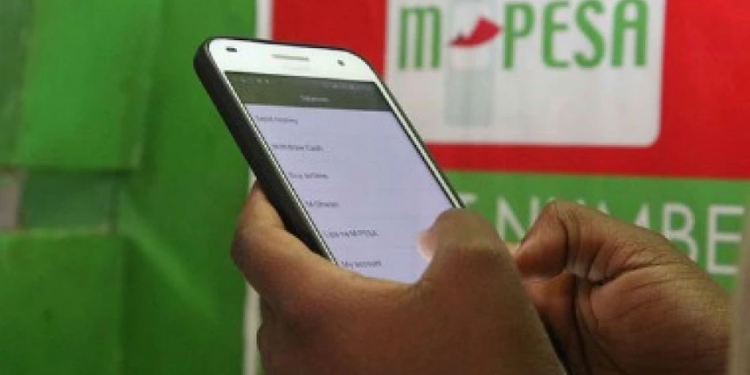
Safaricom user interacting with M-PESA. PHOTO/Citizen TV
You Might also Like