Share
Safaricom has introduced My OneApp, a new platform that brings together services previously offered on the M-PESA and MySafaricom apps.
The company says the app aims to simplify how customers access both mobile money and telecommunications services by placing everything in one interface.
The rollout targets Safaricom customers using Android and iPhone devices. It also covers both M-PESA users and GSM-only subscribers, allowing broader access depending on registration status.
Through this integration, users no longer need to switch between multiple applications to complete everyday transactions.
My OneApp combines financial and telecom services, enabling users to log in with their M-PESA PIN, verify their identity through a one-time password, and activate biometric security. The app also includes a short tutorial to guide users during their first login.
What is My OneApp?
My OneApp is the new M-PESA application that merges features from both the M-PESA and MySafaricom apps.
It provides a single access point for mobile money and GSM services, simplifying how customers interact with Safaricom services.
Also Read: Kenya Eyes AI-Driven Growth as Safaricom Decode 4.0 Summit Concludes
Why was My OneApp created and Who Can Use It?
The app was developed to give customers one seamless platform for all services. It eliminates the need to switch between different apps by integrating:
- M-PESA services
- Safaricom GSM services: This approach ensures all essential services are available in one place.
The app is available to a wide range of users, including:
- Safaricom customers on Android and iPhone
- M-PESA users
- GSM-only customers who are not registered for M-PESA
However, access to features depends on whether a user is registered for M-PESA.
What are the Key Benefits and Features?
My OneApp introduces several benefits designed to enhance user experience:
- All services in one app
- Simple and intuitive design
- Personalized quick actions
- SIM card detection for added security
- Reduced fraud risk
These features aim to improve both usability and safety for customers.
What Services are Available?
The platform offers a wide range of services across financial and telecom needs:
- M-PESA services: Send money, pay bills, check balances, view statements, access Pochi Wallet, invest, borrow, insure, and schedule payments
- GSM services: Buy airtime, purchase data bundles, check balances, and use Bonga points
- Home Fibre services
- Quick Care tools: Security center, PUK access, fraud reporting, subscription and line management
- Scan to Pay and Zuri features
- Global payments
- Mini Apps: Third-party services such as flights, entertainment, and utilities
Also Read: Safaricom Hook and Sprite Partner to Equip Africa Nazarene University Students with Digital Skills
How can Customers Download or Update the App and What Happens to Existing Apps?
Customers can install or update the app through their device’s app store by searching for My OneApp. After downloading, users should:
- Open Play Store (Android) or App Store (iOS)
- Search My OneApp
- Tap Download or Update
- Log in with your M-PESA PIN
- Confirm with OTP
- Set up Biometrics
- View the quick app tutorial on first login
For a smooth setup, users need to ensure their Safaricom SIM card is inserted and set as the default line. They must also turn on mobile data, as Wi-Fi does not support the first-time login process.
The current M-PESA, MySafaricom, and Home Fibre apps will remain available for now. However, Safaricom plans to phase them out at a later date, which will be announced in due course.
With My OneApp, Safaricom is consolidating its services into a single platform, aiming to deliver a more streamlined and efficient digital experience for its customers.
Follow our WhatsApp channel for instant news updates
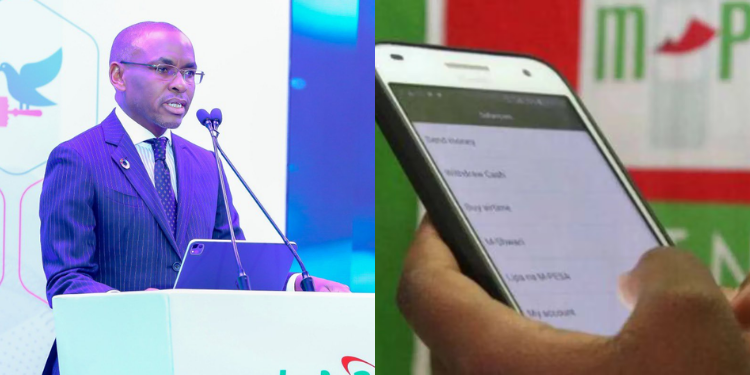
Collage Photo of Safaricom CEO Peter Ndegwa and a customer using M-PESA. PHOTO/Ndegwa/NMG