

How to Block or Filter Calls from Unknown Numbers on Your Phone
Share

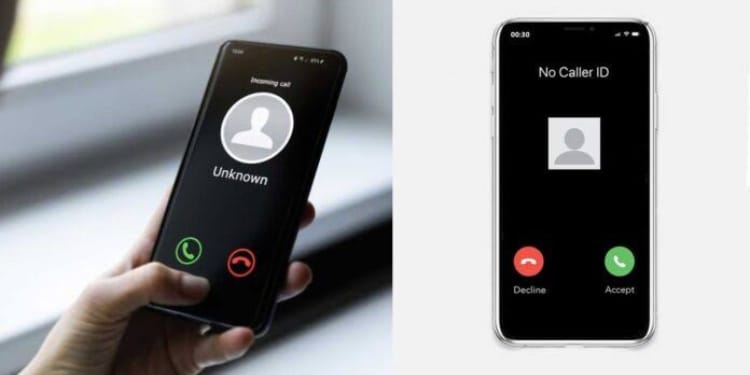
Getting calls from unknown numbers can be frustrating and sometimes worrying.
Luckily, most smartphones have easy ways to block or filter these calls, helping you avoid unwanted interruptions and stay safer.
1. Use Built-in Phone Features
Most Android and iPhone devices have built-in options to block unknown numbers.
On iPhone, go to Settings > Phone > Silence Unknown Callers.
Activating this feature automatically silences calls from numbers not in your contacts, sending them straight to voicemail.
On Android, the process varies slightly by manufacturer, but generally, you can open the Phone app, tap Settings > Blocked numbers, and enable Block unknown callers or Block numbers not in contacts.
Also Read: Ramadan 2026: What to Know as the Holy Month Begins
2. Use Carrier Services
Many mobile carriers offer call-blocking services. For example, Safaricom in Kenya provides a “Call Guard” feature that blocks spam and unknown numbers.
MTN and Airtel also offer similar services that can be activated via USSD codes or mobile apps.
These services often update their databases automatically to block telemarketers and fraud numbers.
3. Third-Party Apps
There are several apps designed specifically for blocking spam calls.
Apps like Truecaller or Hiya identify unknown callers and provide the option to block them.
These apps maintain large global databases of spam numbers, allowing users to avoid potential scams.
Carrier Tools: Dial #662# to activate Scam Block (T-Mobile) or use apps like Verizon Call Filter.
Also Read: KNEC Opens Applications for Training of College Tutors to Mark Teacher Education Assessments
Tips for Safe Use
Always keep your phone’s software updated to access the latest security features.
Avoid sharing your phone number publicly to reduce unknown calls.
Regularly review blocked numbers to ensure you don’t accidentally block legitimate contacts.
By using a combination of built-in phone features, carrier services, and third-party apps, you can significantly reduce unwanted calls, protect your privacy, and regain control over your phone.
Follow our WhatsApp channel for instant news updates

Image showing how to use the phone’s built-in settings to stay safe and avoid spam. PHOTO/AI.