
Alternative Ways to File KRA Returns as iTax Portal Experiences Downtime
Share

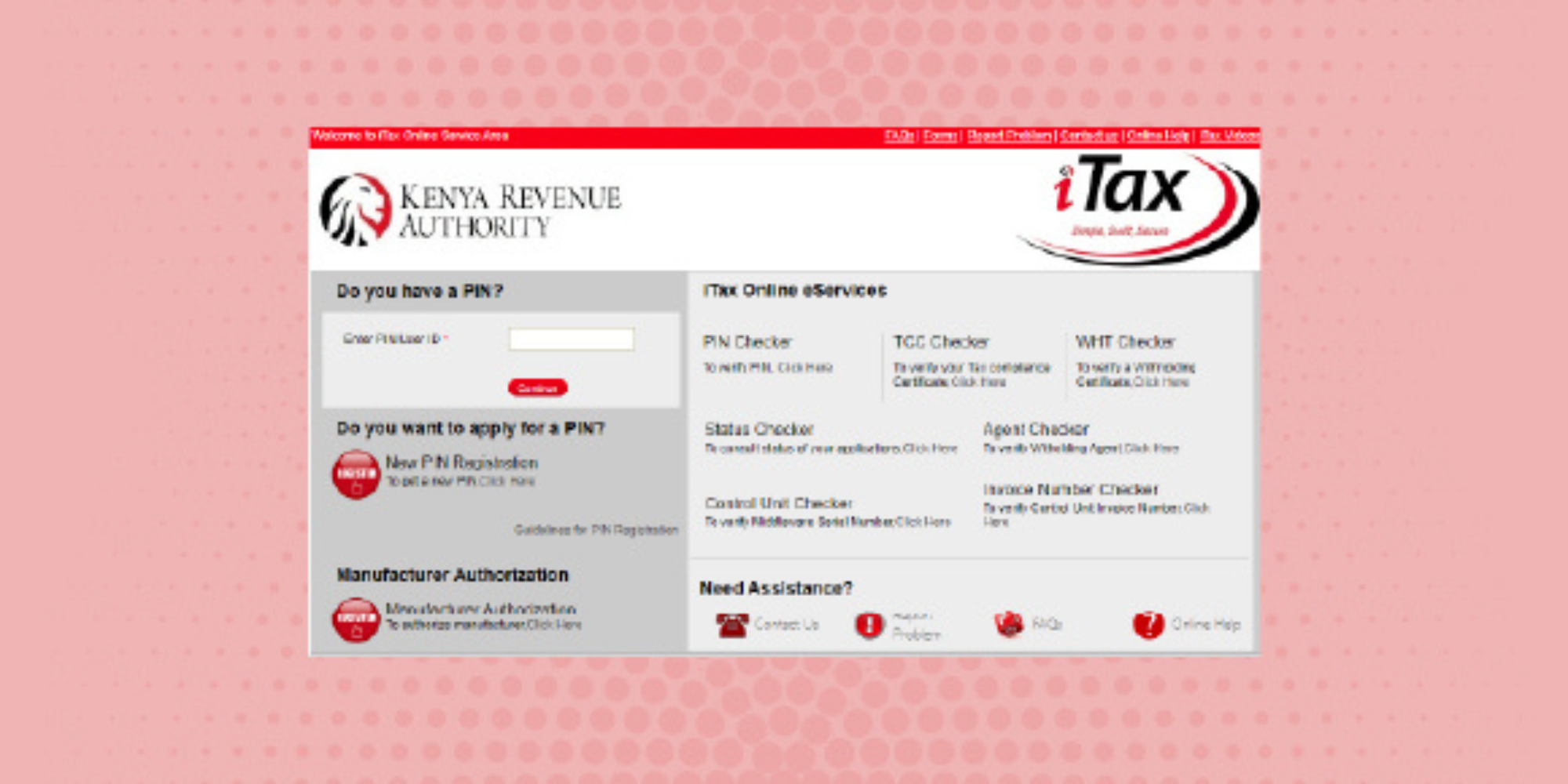
As Kenyans rushed to beat the tax return filing deadline on June 30, 2026, the Kenya Revenue Authority (KRA) highlighted alternative ways for taxpayers to file their returns. This comes amid reports of the iTax portal experiencing downtime and system crashes.
Taxpayers facing challenges accessing the iTax platform can still meet their filing obligations through other official digital channels, including the KRA WhatsApp chatbot and the eCitizen portal.
The most commonly recommended option for bypassing iTax technical difficulties is using the official KRA WhatsApp number, 0711 099 999, where taxpayers can interact with an automated assistant known as “Shuru” to access filing services.
The WhatsApp option has been described as the fastest and easiest method for taxpayers who cannot access the iTax portal.
Users are required to save KRA’s official WhatsApp number (+254 711 099 999) on their phones before opening WhatsApp and starting a conversation.
After sending a greeting such as “Hi” or “Menu”, taxpayers can select “View Services” from the automated menu and choose the type of return they want to file, such as an Employment Income Return or a Nil Return.
The Shuru chatbot then provides step-by-step instructions, requiring users to submit details such as their KRA PIN or National Identification number before completing the filing process.
Other Ways of Submitting Returns Through the eCitizen Portal
The taxpayers also have another option of submitting their returns using the official website of the eCitizen portal, whereby one logs into his/her eCitizen portal account using their national identity number and password.
Also Read:KRA Rolls Out New Vehicle Licensing System Starting July 1
When in the dashboard of the eCitizen portal, one is supposed to click on KRA services and log in.
Once that is done, one finds the tax returns and fills in all the details to submit their returns.
In case one uses the eCitizen portal, he starts by logging into their account using their email address and password.
This is followed by signing in using a one-time password (OTP) sent to one’s email or registered mobile phone.
Once one is in the dashboard, they should click on KRA services, select the type of return he wishes to file, follow all the instructions, and submit the application.
Filing Through iTax Once the Portal Is Available
If the KRA iTax portal becomes available again, taxpayers can continue using the platform to file their returns.
Also Read:
To file through iTax, users must log in using their KRA PIN or ID number, password, and security math answer.
They should then navigate to the Returns tab and select “File Return”.
Taxpayers filing Nil Returns should choose the “Income Tax – Resident Individual” obligation, enter the return period and submit the form before downloading the acknowledgement receipt.
Those filing employment income returns are required to obtain a P9 form from their employer before beginning the process.
After logging into iTax, they should select “File Return”, choose “Income Tax – Resident Individual,” and download the Excel Income Tax Return template from the instructions page.
The downloaded Excel file must have Macros enabled before users complete the required sections.
Taxpayers should fill in Sheet F for basic information, transfer employment income details from their P9 form, complete PAYE details in Sheet M, and verify deductions under Sheet T.
The deductions section includes checks on personal relief, Affordable Housing Levy (AHL), and Social Health Insurance Fund (SHIF) deductions.
After completing the form, users should click the Validate button to generate a zipped file, save it on their computer, and upload it back to the iTax portal.
The final step involves agreeing to the terms, submitting the return, and downloading the acknowledgement receipt for future records.
Follow our WhatsApp channel for instant news updates

KRA offices
PHOTO/File