How to Pay for Passport Application Via eCitizen
Share
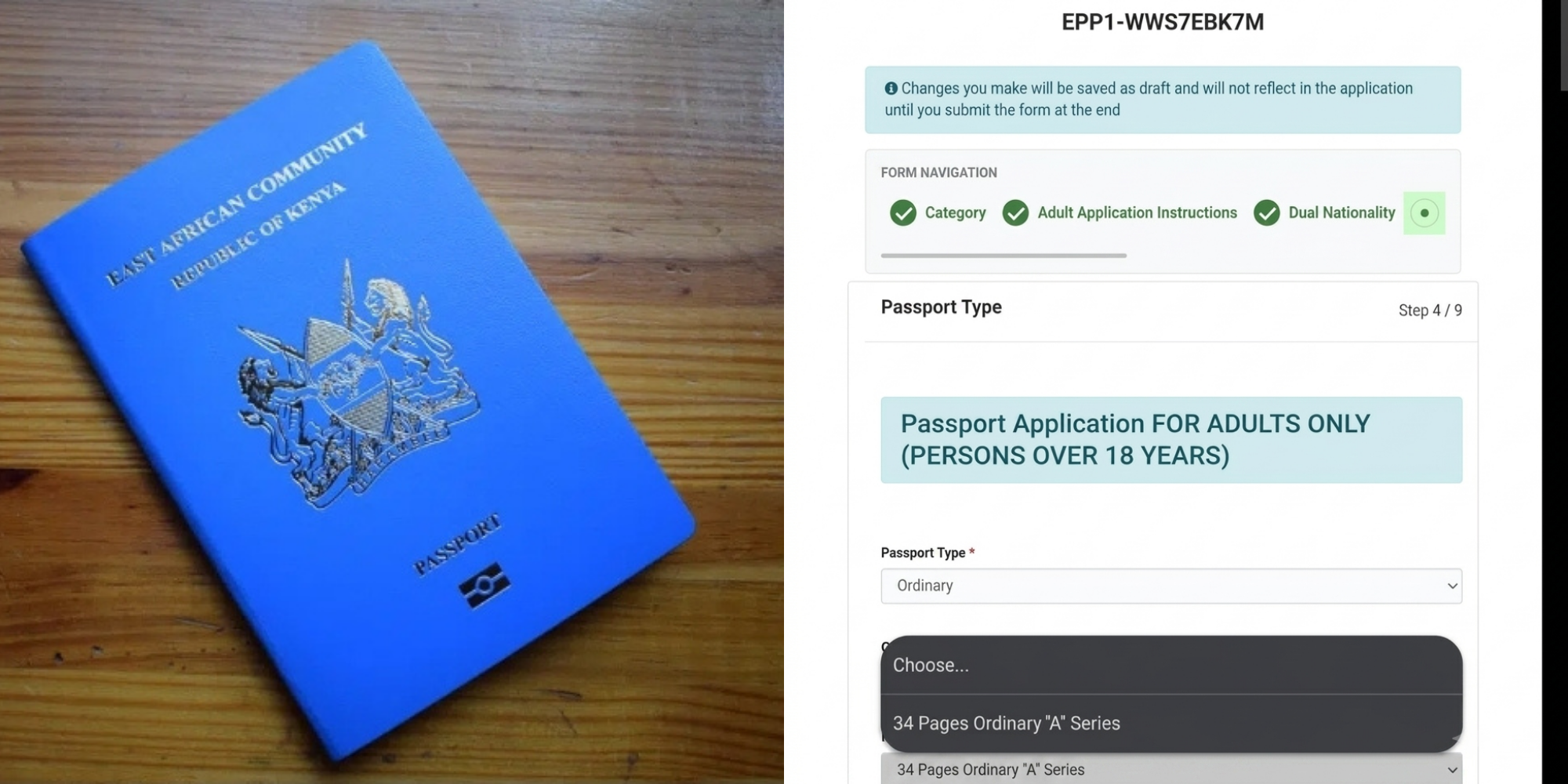
Passport payment in Kenya takes place entirely through the government’s eCitizen platform after you complete your application.
The Directorate of Immigration Services requires every applicant to submit Form 19, generate an official invoice, and pay through the system before proceeding to biometric capture.
As a result, the process remains secure, traceable, and easy to follow.
First, you need to understand the official payment charges for passports set by the Directorate of Immigration Services as follows:
- A Series (34 pages): Ksh 7,550
- B Series (50 pages): Ksh 9,550
- C Series (66 pages): Ksh 12,050
However, when you apply through eCitizen, the system currently presents the C Series (66 pages) option during application. At the same time, the Directorate of Immigration Services still lists all three passport categories under its official fee structure.
To begin, log in to eCitizen and open the Department of Immigration Services, and then select passport application and fill in Form 19.
Enter your personal details, upload the required documents, and confirm your information before submitting.
At this point, the system prepares your application and allows you to move to passport payment.
Also Read: How to Check Passport Collection Status at Immigration Offices in Kenya
Generate Invoice for Passport Payment
Next, once you submit the application, the system immediately generates a payment invoice which shows the total amount, your application details, and a unique reference number.
Therefore, you should review all details carefully because you will need this invoice to proceed with passport payment.
After that, move to the payment section on eCitizen and pay for your passport. You can choose from these available options:
- M-Pesa or other mobile money services
- Debit or credit card
- Other supported digital payment methods
Then, enter your details and confirm the transaction. The system processes the payment instantly, generates a receipt, and updates your application status.
Also Read: How to Upload Passport Photos and Documents on eCitizen for Passport Application
Download Passport Payment Receipt
Once you complete the passport payment, download and print the required documents. These include:
- The passport application form
- The official payment receipt
Finally, book a biometric appointment at an immigration office and make sure you keep these documents safe because you will need them during your appointment.
During the visit, officers verify your documents, capture fingerprints, take your passport photo, and record your signature. After this step, processing begins.
Follow our WhatsApp channel for instant news updates

Photo of a Kenyan man holding a passport. PHOTO/ Directorate of Immigration Services