
How to Advertise on WhatsApp Status and Reach More Customers
Share

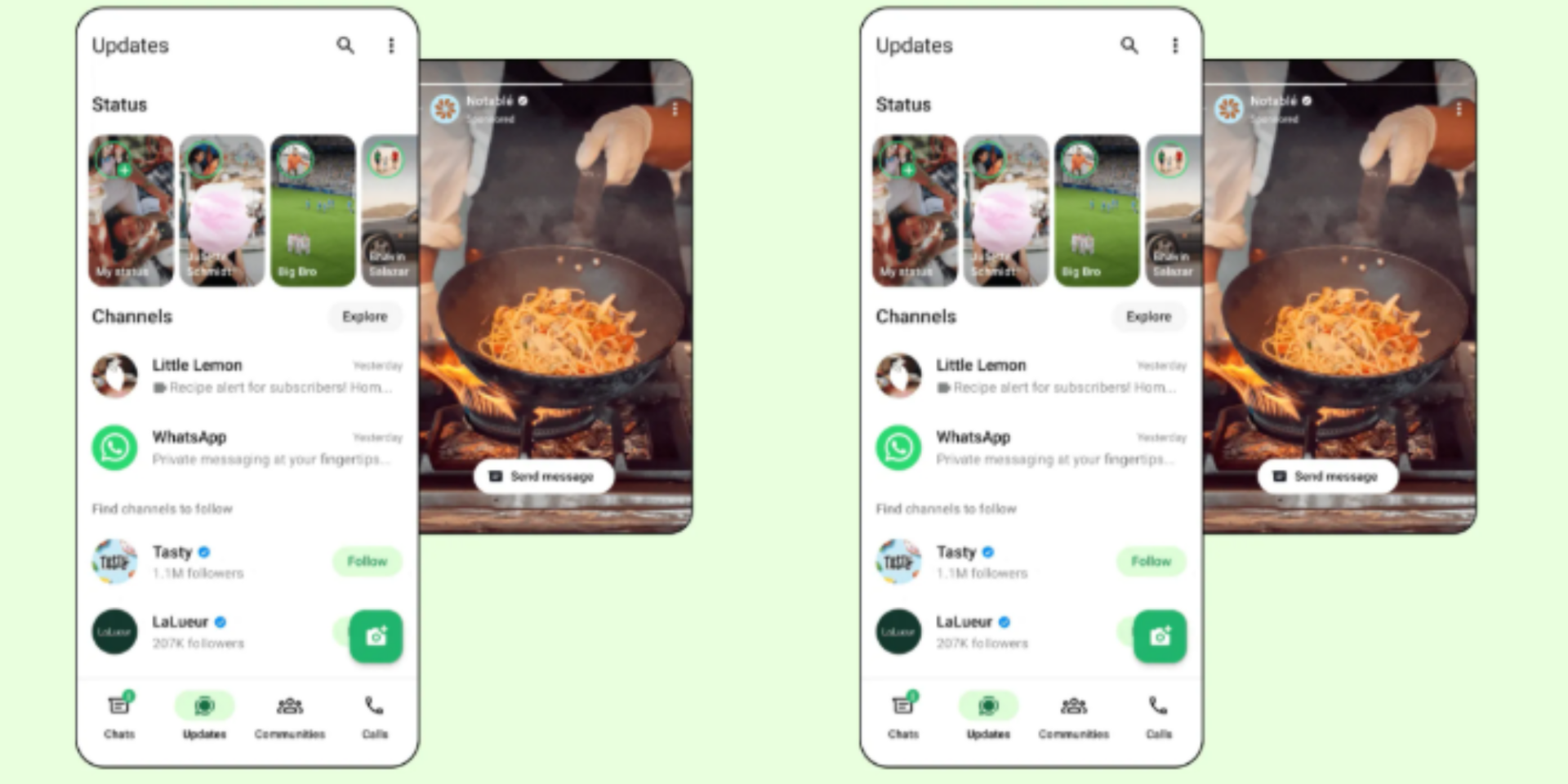
Businesses can now use WhatsApp Status to promote their products and services and connect potential customers directly to their WhatsApp inbox.
WhatsApp Status ads are full-screen, vertical advertisements that appear between regular Status updates in the Updates tab. When users tap the advert, they can be directed to start a conversation with the business on WhatsApp.
To get started, entrepreneurs need to have several accounts and tools connected to Meta’s advertising system. These include:
- A Facebook page connected to the business.
- A verified WhatsApp Business account linked to the Meta account.
- A working payment method in Meta Ads Manager.
Businesses must also ensure that their advertisements comply with Meta’s advertising policies and WhatsApp Business policies before they can be approved and published.
How to Create a WhatsApp Status Ad
Once the required accounts are connected, businesses can create their WhatsApp Status advertisements through Meta Ads Manager.
To begin the process, open Meta Ads Manager and click Create to set up a new campaign. Entrepreneurs should then select a campaign objective that supports messaging, such as Leads, Sales, or Engagement, before proceeding to the next stage.
Also Read: WhatsApp Reveals New Details About Username Reservations
At the next step, under the conversion section, select Messaging Apps and choose the WhatsApp number connected to the business.
Businesses can then move to the Ad Set level, where they set their advertising budget and define the target audience they want to reach.
The next step is to choose where the advertisement will appear. Under Placements, select Manual Placements, then choose WhatsApp and ensure that WhatsApp Status is ticked.
After setting the placement, businesses can create the advertisement by uploading a vertical, mobile-friendly image or video, adding the primary text, and selecting Send WhatsApp Message as the call-to-action.
Once all the campaign details have been completed, the advertisement can be submitted for review and approval before it is published.
Ads Require Approval and Have Flexible Budgets
Advertisements must be reviewed and approved before they can go live, with the review process taking up to 24 hours. Businesses running time-sensitive campaigns are therefore advised to submit their advertisements early.
Also Read: 6 Hidden WhatsApp Features and Tricks You Need to Know
Once an advert is created, businesses can view and manage it through the Ads overview section on WhatsApp Business.
However, there is no fixed cost for advertising on WhatsApp, as businesses determine their own budget and campaign duration based on factors such as the target audience, campaign objective and advertising settings.
When creating an advert through WhatsApp Business on the web, businesses can set their daily budget and choose how long they want the campaign to run.
This allows businesses to start with a budget that suits their marketing plans and adjust their spending based on campaign performance.
Follow our WhatsApp channel for instant news updates
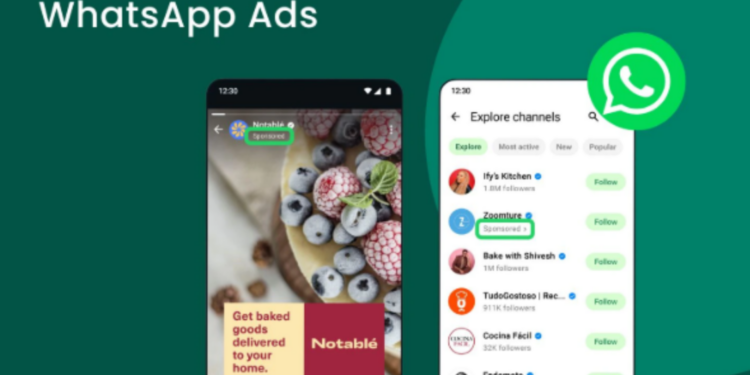
A screenshot showing an ad in whatsapp. Photo/ File