How to Apply for a Smart Driving Licence in Kenya: Requirements and Process
Share
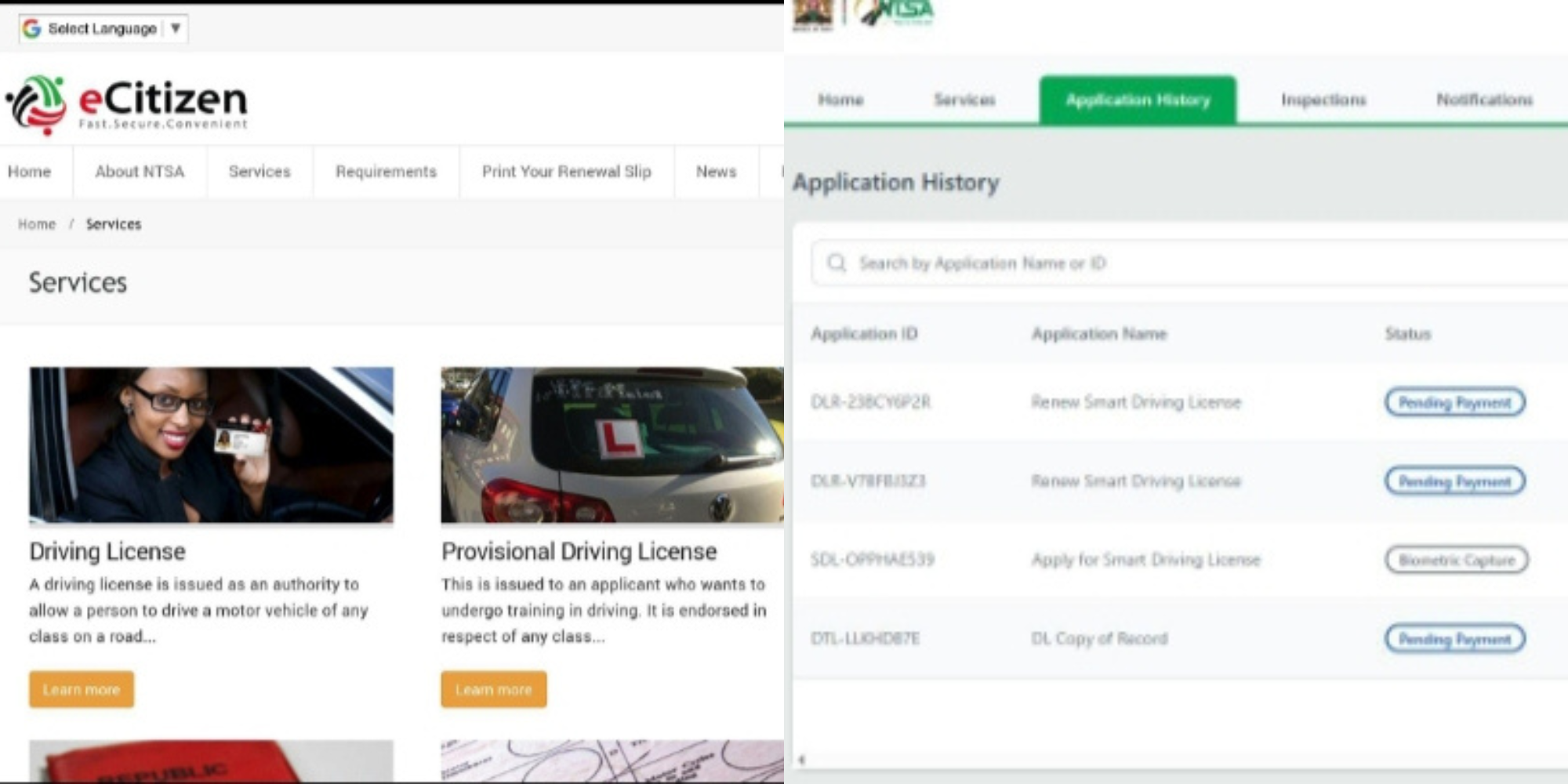
The Smart Driving Licence (Smart DL) is a secure card issued by the National Transport and Safety Authority (NTSA) to licensed drivers in Kenya.
Unlike the old red booklet, the card is designed to digitally link a driver’s details and driving records to the NTSA system.
Kenyans can apply for the Smart DL through the NTSA service portal on eCitizen and complete the process by booking an appointment for biometric registration.
Before starting the application, applicants should have an active eCitizen account, a valid National Identity Card, their NTSA driving licence details, KRA PIN details, where required by the portal, the required application fee and a phone number linked to the eCitizen account for verification messages.
Applicants may also be required to provide biometric information, including fingerprints, a photograph and a digital signature, during the enrolment process.
How to Apply for a Smart Driving Licence
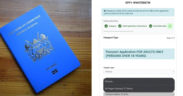
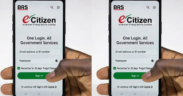
1. Log in to eCitizen
Visit the eCitizen platform and sign in using your registered account.
If you do not have an account, you will first need to create one and complete the required verification process.
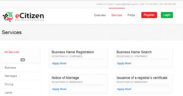
2. Select NTSA Services
From the eCitizen dashboard, select the NTSA service portal.
The portal provides access to various services, including driving licence applications and renewals.
3. Select the Smart Driving Licence Service
Navigate to the driving licence section and select the option to apply for a Smart Driving Licence.
Enter the required personal and driving licence details carefully. Applicants should confirm that the information provided matches their official records.
4. Pay the Application Fee
After completing the application details, proceed to payment through the available options on the portal.
The current NTSA service information lists the fee for a three-year Smart Driving Licence renewal as Ksh3,050, although applicants should confirm the applicable amount displayed on the portal before making payment.
Also Read: NTSA Warns Kenyans Against Crossing Roads Outside Footbridges
5. Book a Biometric Appointment
After making the payment, applicants may be required to book an appointment at a designated NTSA or enrolment centre.
During the appointment, NTSA captures the applicant’s biometric information and other details required to produce the Smart DL.
6. Complete Biometric Registration
At the selected centre, the applicant may undergo:
- Fingerprint capture
- Photograph capture
- Digital signature capture
- Verification of personal and driving licence details
The biometric process helps link the licence to the correct driver and supports the security of the system.
Also Read: NTSA Announces Tough Road Safety Measures Ahead of August School Holidays
7. Wait for Notification
Once the application and biometric registration are completed, the Smart Driving Licence is processed.
Applicants should monitor their phone for an SMS or notification informing them when the card is ready for collection or when further action is required.
The processing time may vary depending on the service and the applicant’s circumstances. NTSA lists five working days as the processing time for the three-year Smart DL renewal service.
Applicants should, however, rely on the notification from NTSA for collection or any additional instructions.
Key Things to Remember
Applicants should:
- Use only the official eCitizen and NTSA platforms.
- Confirm their personal details before submitting the application.
- Keep the payment receipt or application confirmation.
- Attend the biometric appointment if required.
- Avoid sharing eCitizen passwords or verification codes with other people.
- Confirm the current fee before making payment.
NTSA processes and portal options can change. Applicants therefore should always confirm the latest requirements, fees and appointment instructions on the official NTSA/eCitizen platform before applying.
Follow our WhatsApp channel for instant news updates
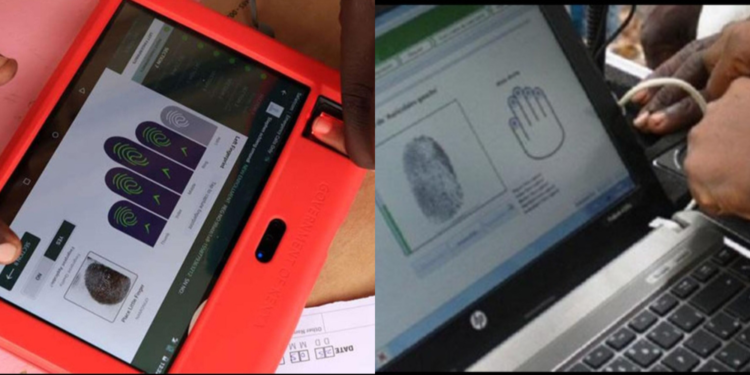
An applicant undergoes biometric registration for a smart driving licence with an officer capturing fingerprints
PHOTO/NTSA