How to Change Directors of a Company on eCitizen
Share
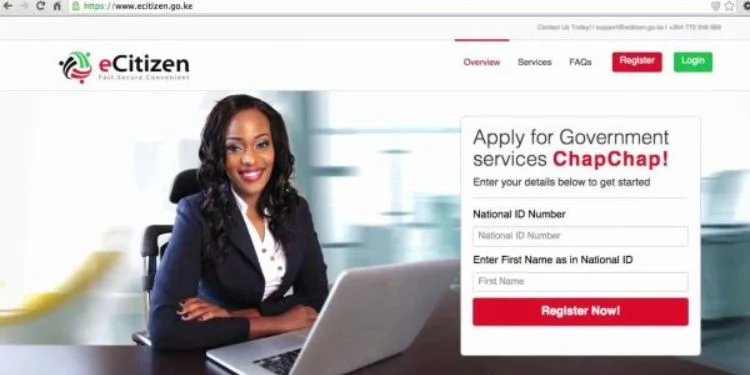
Kenyans can change directors of a company through the eCitizen Business Registration Service (BRS) portal without having to visit physical registry offices.
For incoming directors, you need a letter of consent signed by the individual agreeing to act as a director, Form CR8, which records the residential address or change of address, and their identification documents.
These include a National Identification card or Passport, Kenya Revenue Authority PIN, and a passport-sized photograph.
In addition, for outgoing directors, a resignation letter indicating voluntary resignation, Form CR9 notifying the cessation of office, an affidavit confirming the resignation, and minutes of the board meeting noting the resignation are also required.
These documents are expected to be properly prepared in advance to prevent processing delays and improve the chances of successful submission.
Steps to Follow When Changing Directors of a Company on eCitizen
Once all documents are ready, applicants are required to log in to the eCitizen BRS portal using their personal account.
Under the “My Businesses” section, one is required to select the relevant company, navigate to “Maintain Company,” and then choose “Change of Officials” or “Change Company Particulars.”
During this stage, the applicant must indicate whether the change involves the appointment of a new director or the removal/resignation of an existing one to determine the specific forms and documents to be uploaded.
Also Read: How to Register a Company on eCitizen Via BRS
Uploading Documents and Submission
After selection, the system will prompt users to upload the required supporting documents for verification.
Once all documents are uploaded, applicants are advised to carefully review the information before submission, as any inconsistencies may result in delays or rejection of the application.
After verification is done, the application is submitted for processing by the Registrar of Companies.
Also Read: How to Register a Business in Kenya Online: Full eCitizen Guide
Payment and Verification
At this stage, the payment process will start.
Meanwhile, the current fee for director changes is Ksh 950, payable via mobile money options provided on the platform.
Once payment is confirmed, the application undergoes review by the Registrar of Companies, although the system may also send a verification request to the affected parties through OTP or secure links to confirm the change.
Obtaining Updated Company Records
If the application is approved, applicants can download the updated CR12 document directly from the eCitizen portal.
This document shows the company’s current directors and shareholders and serves as official proof of the changes made.
Follow our WhatsApp channel for instant news updates

How to Change Directors of a Company on eCitizen. Photo/ file