How to Check Your Driving Licence Status in Kenya
Share
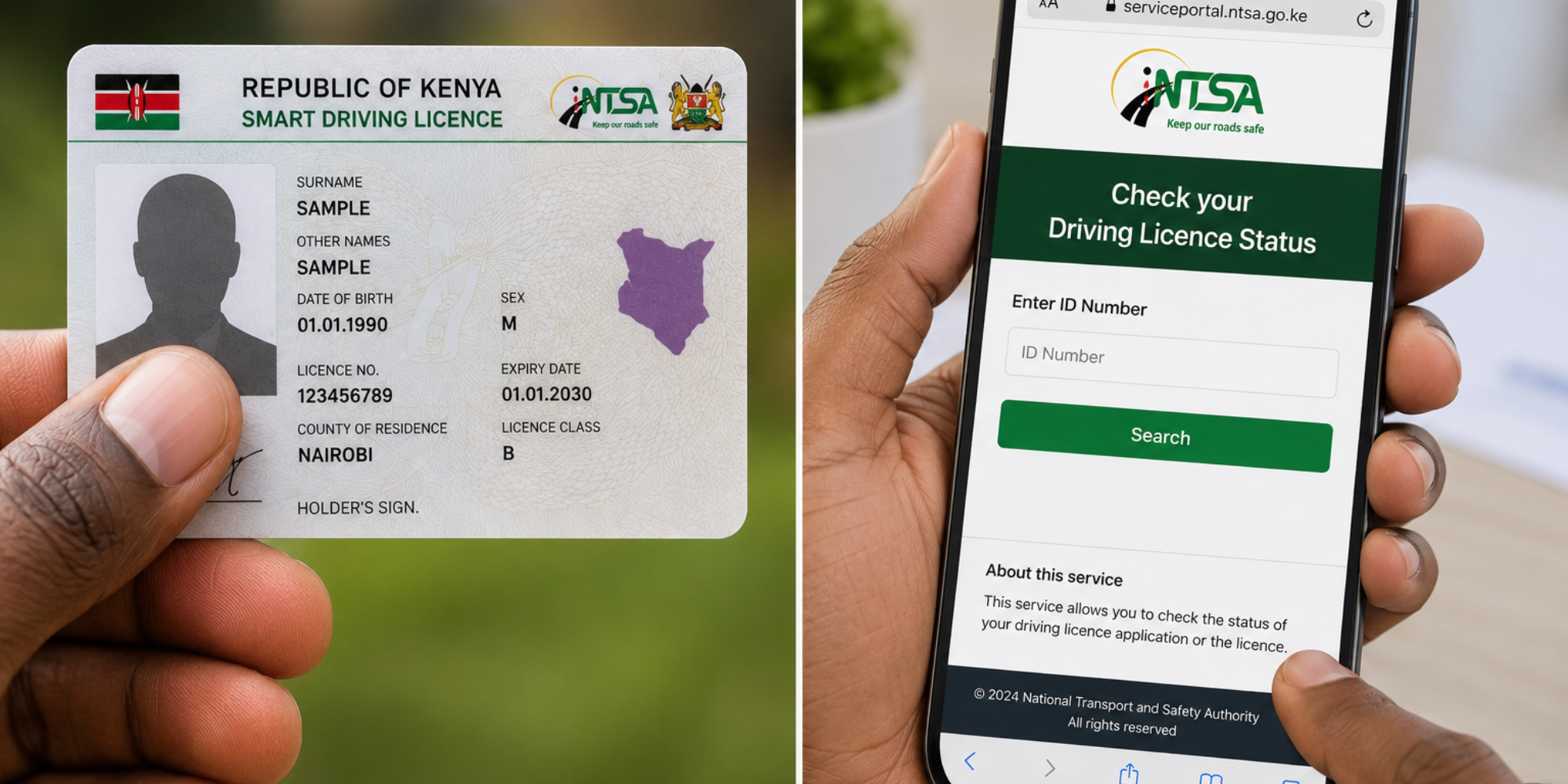
Motorists in Kenya can check the status of their driving licence online, via SMS or through the NTSA mobile application without necessarily visiting an NTSA office.
The service is useful for drivers who want to confirm whether their licence is valid, expired, under processing or ready for collection.
Step 1: Visit the NTSA website
Go to the official NTSA Service Portal and log in using your eCitizen credentials.
NTSA has integrated its services with eCitizen, allowing motorists to access driving licence services through one platform.
Step 2: Open the online services section
Once logged in, select NTSA services, go to online services, select other services, choose uncollected smart driving licences and number plates, select driving licence, enter your national ID number, then click search.
The system can display information on the status of the driving licence, including whether it is being processed, ready for collection, active or expired.
How to Check Driving Licence Status via SMS
Motorists can also use the SMS option to check their driving licence details by sending your National ID number to 22846.
Some earlier NTSA guidance also gave the format DL followed by the ID number when checking licence details via SMS.
Drivers should therefore follow the format indicated by the latest NTSA instructions or the response from the service.
The SMS service can provide information on the status of the licence and, for applications, whether the Smart Driving Licence is ready for collection or still being processed.
Check Using the NTSA Mobile App
Drivers can also check their licence details through the official NTSA mobile application.
After signing in, motorists can access the relevant driving licence section to view their licence information and application status.
The app provides another option for people who prefer using their smartphones to access NTSA services.
Also Read: How to use Google Lens to Transcribe Documents
What the Different Statuses Mean
The status displayed on the NTSA platform may help a motorist understand the progress of their licence.
1.Active
This generally means the licence is currently valid.
2.Expired
The licence validity period has ended and the driver may need to renew it.
3.Processing
The application or licence is still being processed by NTSA.
4. Ready for Collection
The physical Smart Driving Licence has been processed and is available for collection at the designated centre.
NTSA has previously sent SMS notifications to applicants informing them when their Smart Driving Licences were ready and indicating the collection centre.
5.Archived
An archived status may indicate that the licence has been removed from the active NTSA records or that the driver has been suspended from the system. Such motorists may need to contact NTSA for clarification.
A status confirmation received through SMS is not a replacement for carrying a valid driving licence where the law requires the licence to be produced.
Also Read: Scare at JKIA as Jambojet Flight Was Forced to Abort Takeoff
What to Do If Your Licence Status Is Not Updated
If the status remains unchanged for a long period, motorists can:
- Confirm that they entered the correct National ID number.
- Check the status again through the official NTSA portal
- Check their SMS messages for an NTSA notification
- Contact NTSA for assistance
- Visit an NTSA office or Huduma Centre with their identification documents and application details
- NTSA’s official service portal lists its contact centre as 0709 932 300. The Authority also provides online access to its services through the NTSA platform
Follow our WhatsApp channel for instant news updates

Steps to check your driving licence status on NTSA portal
PHOTO/Grok