How to Search for a Registered Company in Kenya Using eCitizen
Share
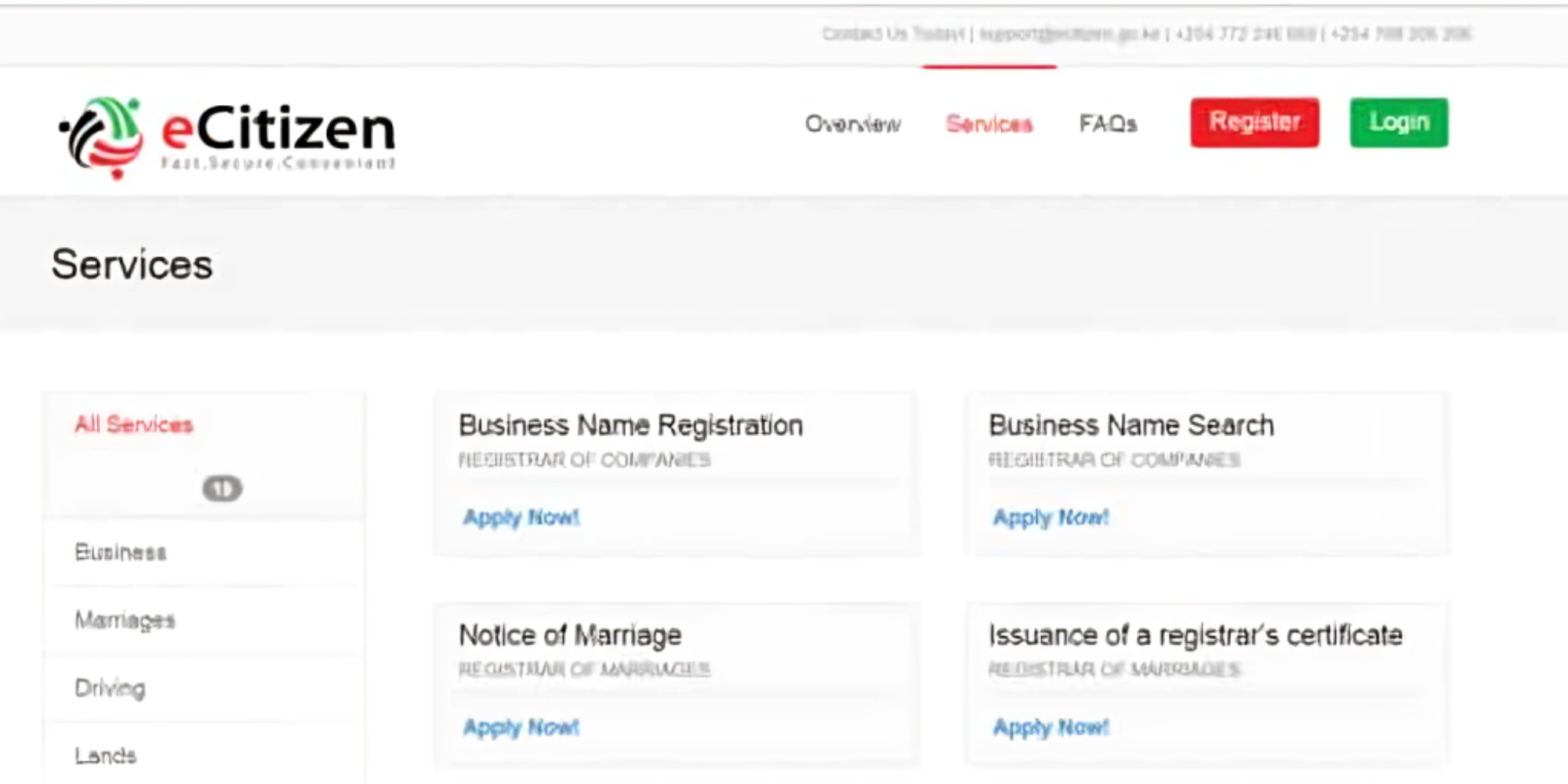
Kenyans who seek to verify whether a company is legally registered in Kenya can do so through the eCitizen portal by applying for an Official Search under the Business Registration Service (BRS).
This helps to confirm the company’s legal status and access official information, including its directors, registered physical address, share capital, and incorporation status.
Guide on How to Search for a Registered Company on eCitizen
To carry out a company search on eCitizen, business owners are required to visit the eCitizen portal and log in to their account.
Also Read: How to Change a Business Name on eCitizen. However, users who do not have an account are required to create one before accessing services offered under the Business Registration Service.
Step 1: Access the Business Registration Service
Once logged in, one should navigate to the Business Registration Service (BRS) from the list of available government services and click on “Make Application” to view the available services.
Step 2: Select Official Search
During this stage, an individual is required to Official Search, formerly known as CR12, from the list of applications for the search process.
The official search service enables entrepreneurs to search for information relating to companies that are already registered in Kenya.
Step 3: Enter the Company’s Details
After selecting the service, one will then enter either the registered company name or the company registration number, and the system will display matching results, allowing one to select the correct company before proceeding with the application.
Step 4: Complete the Application
In addition, a business owner will then be required to provide personal details and review the information entered before submitting the application.
This ensures that all the details are correct and helps avoid delays in processing the request.
Also Read: How to Register a Sole Proprietorship in Kenya on eCitizen.
Step 5: Payment
After submission, the system will then send a prompt for payment, which costs Ksh 650.
Meanwhile, this can be paid using M-Pesa, a credit or debit card, or any other payment option available on the eCitizen platform.
Step 6: Download the Official Search Report
Once the payment has been confirmed and the application processed, the official company search report will be made available within a few hours to one working day for download through your eCitizen dashboard.
This contains information about the company, including its incorporation status, registered physical address, directors, and share capital.
Follow our WhatsApp channel for instant news updates.
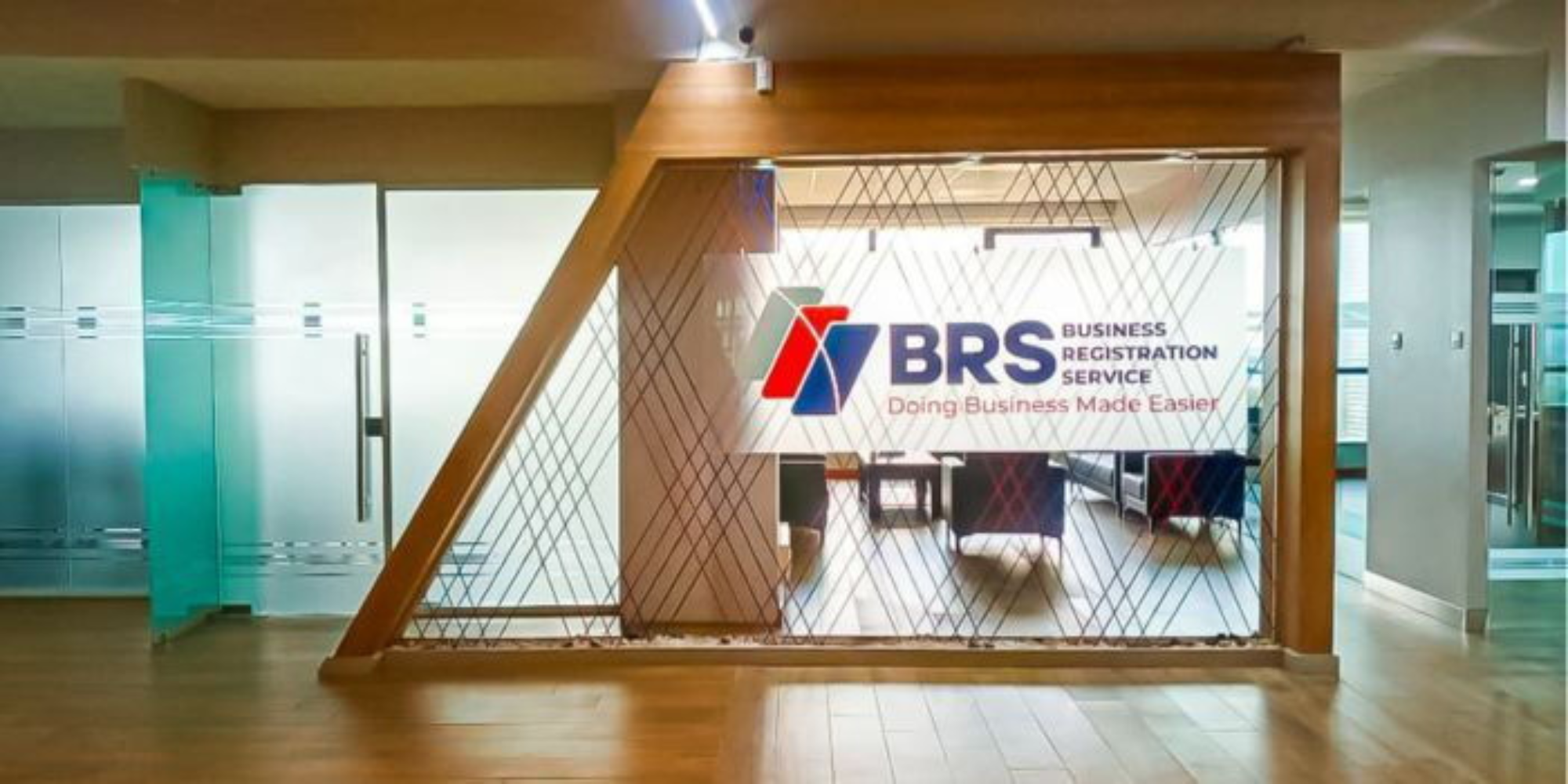
A photo of Business Registration Services (BSR) Company offices in Nairobi.Photo/BRS