Steps to Reverse M-PESA Transaction Sent to the Wrong Paybill Number
Share
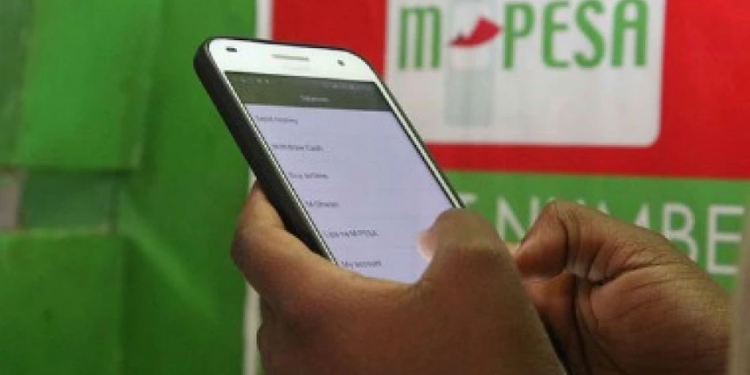
At times, users going about their daily activities may accidentally send money via M-PESA to the wrong Paybill number. This can cause distress, especially when the money was intended for urgent use.
A Paybill number is a unique business number on M-PESA that allows customers to make payments directly to a company, organisation, or institution.
How M-PESA Paybill Works
When making a Paybill payment on M-PESA, users are required to enter specific details to complete the transaction.
These include the business number, which identifies the company or institution receiving the payment, the account number, which links the payment to a particular user or service, such as a bill, meter number, or student ID, and finally, the amount being paid.
Also Read: Safaricom to Launch New M-PESA Transaction Feature
Paybill numbers are widely used for a variety of transactions in everyday life. Many users rely on them to pay utility bills such as electricity, water, and internet services.
They are also commonly used for paying school fees, making business payments, and settling subscriptions or other service-related charges.
What to Do If You Send Money to the Wrong Paybill
If you send money to the wrong Paybill number, you can still attempt to recover it.
Safaricom, the service provider behind M-PESA, outlines the following steps:
- Forward the transaction message
Copy the M-PESA transaction message and send it to 456. - Wait for confirmation
You will receive a message confirming that your reversal request has been received and is being processed. - Contact the Paybill owner
Safaricom may advise you to contact the business associated with the Paybill. You will be provided with their contact details. - Request reversal
The Paybill owner must confirm receipt of the funds and initiate the reversal.
Unlike person-to-person M-PESA transactions, Paybill payments cannot be reversed directly by the sender. The process requires approval from the Paybill owner.
Safaricom normally advises users who find themselves in such situations that the Paybill owner is the one best placed to initiate the reversal request.
What Happens If the Business Does Not Respond
If the Paybill owner does not respond within 24 hours, Safaricom may step in to assist with the process.
You can also reach out to the business via email if phone contact is unsuccessful, with Safaricom providing the contact details upon request.
Also Read: Safaricom M-PESA Managing Director Exits After 15 Years
Ways to Contact Safaricom for Reversal Advice
Users who need assistance with reversing a Paybill transaction can reach out to Safaricom through several official channels.
One of the quickest options is to call customer care by dialling 100, which is free from a Safaricom line, or +254 722 002100 for other lines.
Customer care agents can guide users on the next steps and provide necessary details, including how to contact the Paybill owner.
Alternatively, users can reach out through Safaricom’s official social media platforms, where they can share their transaction details and receive guidance on the reversal process.
Users can also seek in-person assistance by visiting a Safaricom shop. Staff at the shops can review the transaction and advise on the appropriate steps to take.
Follow our WhatsApp channel for instant news updates

Safaricom CEO Peter Ndegwa releasing the Group results on November 6, 2025. PHOTO/Safaricom X.