
How to Change a Business Name on eCitizen
Share

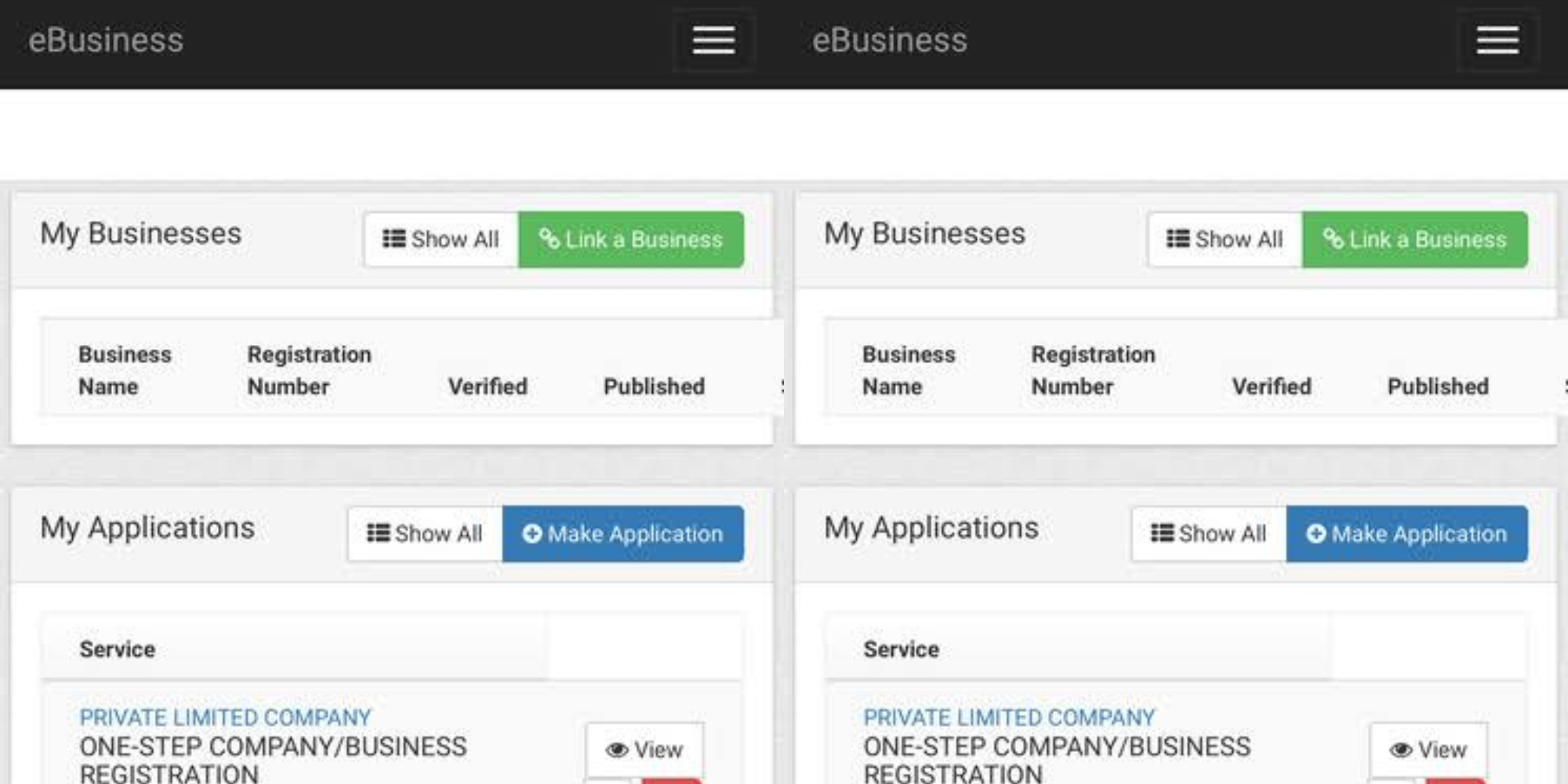
Kenyans can change their business names online through the Business Registration Service (BRS) on the eCitizen platform without having to visit government offices.
The process requires entrepreneurs to reserve a new name, update their business particulars, submit the necessary documents, and pay the applicable fees before receiving a Certificate of Change of Name.
Business Name Change on eCitizen: Application Process
To begin the process, one should log in to their eCitizen accounts using their registered email address or National Identification Card number and password.
Thereafter, they are required to navigate to the Business Registration Service (BRS) section.
Also Read: How to File Your Employment Income Tax Returns in 2026
If the business is not already linked to the dashboard, users must first link it by entering the business registration number and searching for the record.
Under the “My Businesses” section, click View next to the business whose name is to be changed.
Conduct a Name Search
However, before applying for a name change, business owners are required to conduct a name search to confirm that the proposed new name is available and does not duplicate an existing registered entity.
To carry out the search process, one is required to pay Ksh 150 and it can be completed through the BRS portal.
Once the preferred name is approved, the applicants proceed with the change of name.
Apply for Change of Name
During this stage, one is required to click Maintain Company and then Make Application.
From the dropdown menu, an applicant will select Change of Name or Change Business Particulars, depending on the business structure.
They will then fill in the required details, including the newly reserved business name and the system will automatically generate the Form BN4, which is downloaded, printed, completed, signed, and stamped where applicable.
Also Read: How to Change Directors of a Company on eCitizen
The signed forms must then be scanned and uploaded back to the eCitizen portal together with the original business registration certificate, where required.
Pay the Applicable Fees
Once all documents have been uploaded, applicants are required to pay the prescribed government fees through available payment channels such as M-Pesa.
The process includes a Ksh 150 name search fee and additional processing charges depending on the type of business registration.
After payment, the application can be submitted for review and approval.
Approval and Certificate Issuance
At this stage, the BRS reviews the application and supporting documents for about five working days and sends an applicant an SMS notification to show that the application has been processed.
Upon approval, business owners can log in to their eCitizen accounts and download the Certificate of Change of Name, which serves as official proof of the new business name.
Follow our WhatsApp channel for instant news updates

Business Registration Services (BSR) Company offices in Nairobi.Photo/BRS