
How to Download and Print Your NTSA Driving Licence Details Online
Share

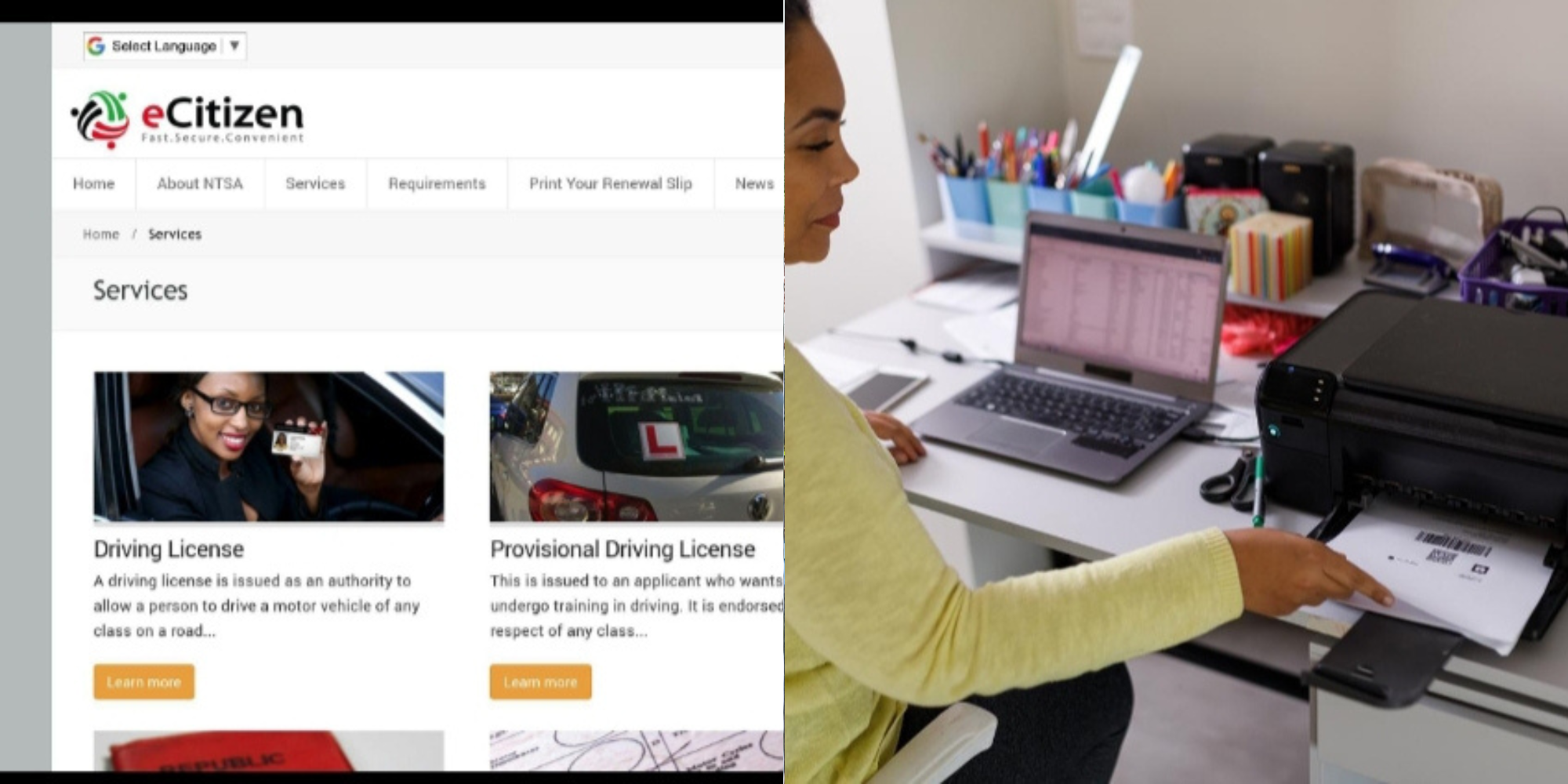
Kenyan drivers can now download and print their driving licence details online through the National Transport and Safety Authority (NTSA) portal on eCitizen.
The service allows motorists to access their licence information without visiting an NTSA office, making it easier to keep a copy of their details when needed.
Before you begin, make sure you have: a valid eCitizen account linked to your National ID, your eCitizen login credentials, a computer or smartphone with internet access and a printer or the option to save the document as a PDF
Step 1: Log in to the NTSA Portal
Visit the official NTSA eCitizen portal, then sign in using your eCitizen account credentials.
Step 2: Open Driving Licence Services
After logging in, select NTSA services, click Driving Licence from the available services, then open your driving licence profile to view your licence details.
Step 3: View Your Licence Details
Your profile will display information such as: full name, driving licence number, National ID number, licence class, licence status, expiry date (where applicable) and smart driving licence details, if issued.
Step 4: Download Your Licence Details
Look for the Print, Download, or Generate PDF option on your driving licence page.
Depending on the service available, your browser will either download a PDF automatically or open a printable version of your driving licence details.
Step 5: Print the Document
If the document opens in your browser, then click the print icon or press Ctrl + P (Windows) or Command + P (Mac), select your printer, click Print; but if you do not have a printer, choose Save as PDF so you can print the document later.
Also Read: NTSA Announces Tough Road Safety Measures Ahead of August School Holidays
How to Confirm Your Smart Driving Licence Is Ready
If you applied for a Smart Driving Licence card, you can check whether it is ready for collection through NTSA’s status checker.
Visit the NTSA Smart DL Status Checker, then enter your National ID number to see whether your Smart Driving Licence is available for collection.
If your licence information does not appear:
- Confirm you are logged into the correct eCitizen account
- Refresh the page and try again
- Check whether there is a temporary system maintenance issue
- Contact NTSA through its customer support channels for assistance
Also Read: NTSA Announces Nationwide Alcoblow Crackdown Ahead of August School Holidays
Frequently Asked Questions
Can I download my driving licence details on my phone?
Yes, you can. The NTSA portal is accessible on smartphones, allowing you to download the document in PDF format if the option is available.
Is there a fee for viewing my driving licence details online?
Viewing your existing driving licence details online is generally available through your NTSA account. Just that, fees may apply for services such as licence renewal, replacement, or Smart Driving Licence applications.
Can I use the printed copy instead of my Smart Driving Licence?
The online printout is useful for reference and record-keeping. Drivers should still comply with NTSA requirements regarding valid driving licence documentation during road use. If you have applied for a Smart Driving Licence, collect it once NTSA notifies you that it is ready.
Follow our WhatsApp channel for instant news updates

Inforgraphic showing step by step guide for downloading and printing NTSA driving licence details online
PHOTO/Grok