
How to Register a Logbook Lien or Hire Purchase Vehicle Through NTSA in Kenya
Share

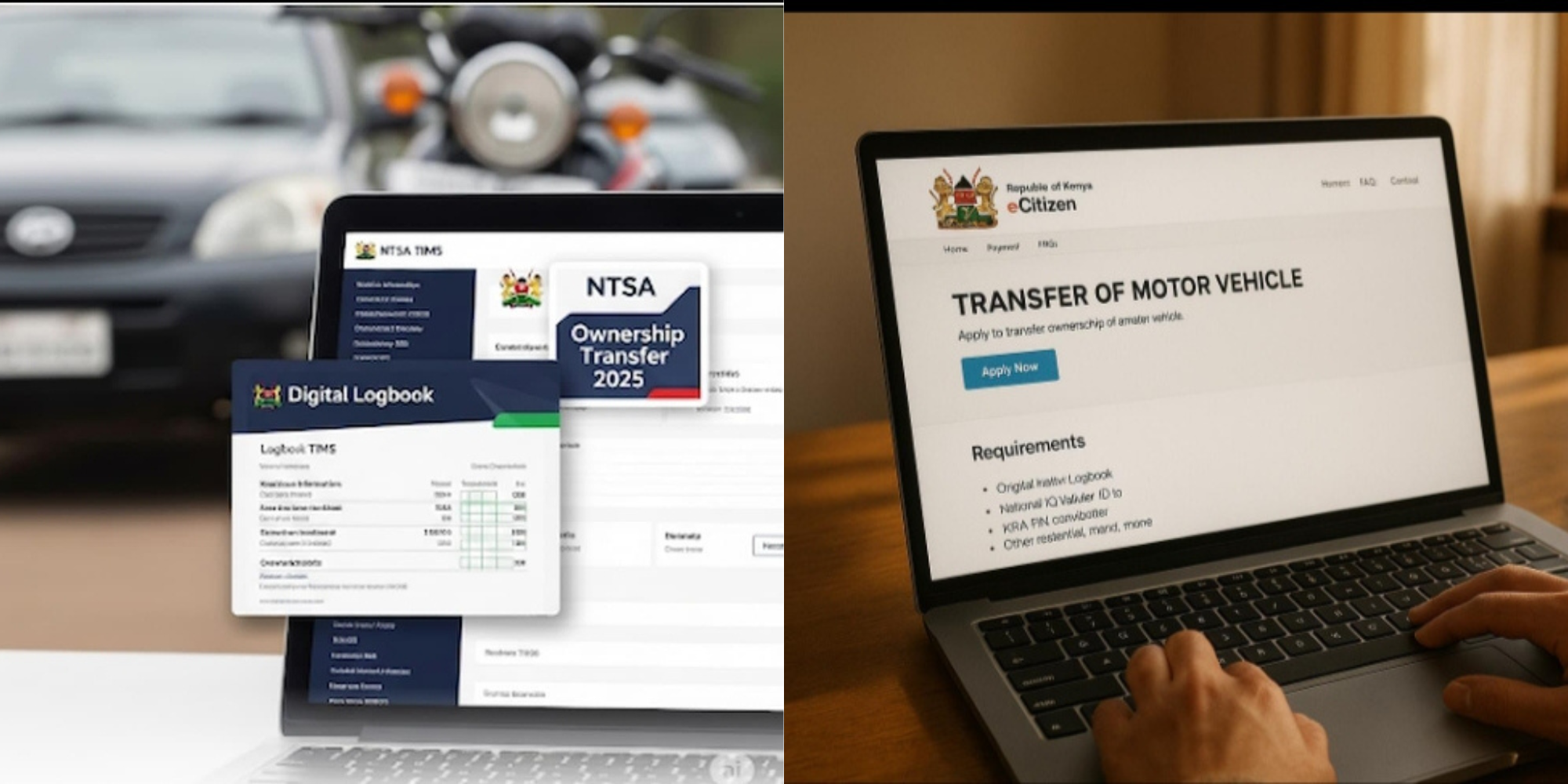
A logbook lien, also known as an asset financing or hire purchase registration, is used when a vehicle is bought through financing from a bank, SACCO, or other lender.
The financier’s interest in the vehicle is recorded by the National Transport and Safety Authority (NTSA), meaning the owner cannot transfer ownership without the lender’s consent until the loan is cleared.
It is a legal record showing that a financial institution has a claim over a vehicle because it financed its purchase.
The lender remains listed as the financier in the vehicle’s registration records until the loan is fully repaid.
You can register a logbook lien if:
- You are purchasing a vehicle through a bank or financial institution.
- The vehicle is under a hire purchase agreement.
- The financier requires its interest to be recorded on the vehicle’s logbook.
How to register a logbook lien via NTSA
Step 1: Log in to eCitizen
Sign in to your eCitizen account and open the NTSA Service Portal using your registered credentials.
Step 2: Select the relevant vehicle service
Choose the vehicle registration or asset financing service and enter the required vehicle details. The system allows the financier’s information to be captured during the registration process.
Step 3: Enter the financier’s details
Provide the lender’s information as required. This records the financial institution’s interest against the vehicle in NTSA’s records.
Step 4: Upload the required documents
Depending on the transaction, you may need to upload documents such as:
- National ID or passport
- KRA PIN certificate
- Signed hire purchase or financing agreement
- Import or ownership documents where applicable
NTSA may request additional documents depending on the type of vehicle registration.
Also Read: How to Download and Print Your NTSA Driving Licence Details Online
Step 5: Pay the prescribed fee
NTSA charges a fee for processing asset financing (in-charge) applications. Payment is made through the eCitizen platform.
Step 6: Submit the application
Review all the information before submitting. NTSA processes the request and updates the vehicle registration records once approved.
The listed processing time for the service is about three working days.
Also Read: How to Replace Faded or Defective Number Plates in Kenya Through NTSA
What Happens After Approval?
The financier is recorded against the vehicle while he vehicle owner receives the updated registration record.
Under NTSA’s digital system, eligible transactions generate an electronic logbook (eLogbook), which the owner can access through their NTSA Service Portal account.
After the owner fully repays the loan, the financier must initiate or approve the discharge of the lien. NTSA then updates the vehicle registration to remove the financier’s interest.
The exact process depends on the financing institution and NTSA’s requirements at the time.
Key Things to Remember
- Only use the official NTSA Service Portal through eCitizen.
- Do not share your login credentials with agents or third parties.
- Verify your eLogbook only through the official NTSA portal or mobile app.
- Keep copies of your financing agreement and payment records until the loan is fully settled.
Follow our WhatsApp channel for instant news updates.

A photo showing a customer signing a vehicle financing or hire purchase agreement
PHOTO/NTSA