How to Get NTSA Digital Logbook in Kenya
Share
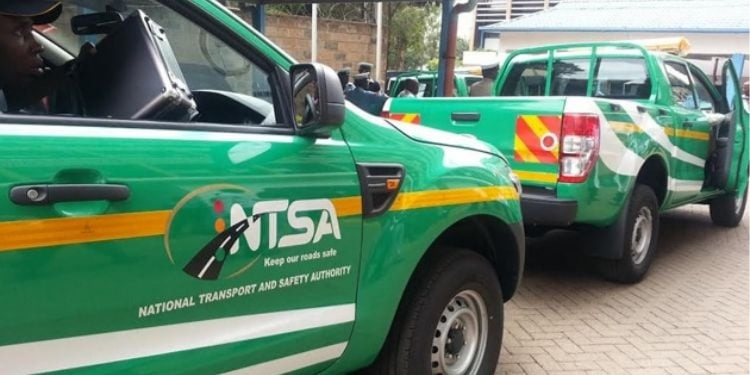
Kenya now uses a fully digital system that allows motorists to access vehicle logbooks through the eCitizen platform. The National Transport and Safety Authority (NTSA) said that the digital logbook generates automatically after successful registration or ownership transfer. This shift removes the need for physical documents and manual collection.
After the seller and buyer complete their steps on the eCitizen NTSA portal, NTSA receives the application for review. The authority then checks all details to confirm accuracy and authenticity before it approves the transaction. NTSA verifies several key areas, including:
- Vehicle ownership records
- Identity details of both parties
- Accuracy of submitted vehicle information
Once NTSA clears the application, the system creates a digital logbook under the new owner’s profile.
Log in to eCitizen Portal to Get a Digital Logbook
Motorists first log into the eCitizen platform using their ID number and password. After login, they move to the NTSA service portal, which brings all vehicle services into one system. From this point, users can:
- Start vehicle registration
- Initiate ownership transfer
- Track application progress
This step sets the foundation for the entire process.
Also Read: NTSA Announces Digital eLogbook Rollout for Vehicle Owners Starting June
Select Vehicle Service
Next, users select the service they need based on their situation. They choose either new vehicle registration or transfer of ownership for used vehicles.
Then, the system guides them step by step. As a result, users complete all required fields correctly before submission.
Also Read: Kindiki Pushes for Return of NTSA Instant Traffic Fines System
Upload Required Documents and Access e-Logbook
At this stage, applicants provide supporting documents that NTSA uses to verify identity, ownership, and compliance. These documents help confirm that the transaction is legitimate and that the vehicle details match official records.
In cases of ownership transfer, both the buyer and seller must ensure all documents are clear and valid before submission. Applicants then upload key documents such as:
- National ID or passport
- KRA PIN certificate
- Original logbook (for transfers)
- Vehicle inspection report, if required
After submission, both parties complete their confirmations. NTSA then approves the request and generates the digital logbook instantly. Finally, motorists access the logbook on their eCitizen account, where they can view or download it anytime without visiting NTSA offices.
This digital shift improves efficiency, reduces paperwork, and strengthens transparency in vehicle ownership records across Kenya.
Follow our WhatsApp channel for instant news updates
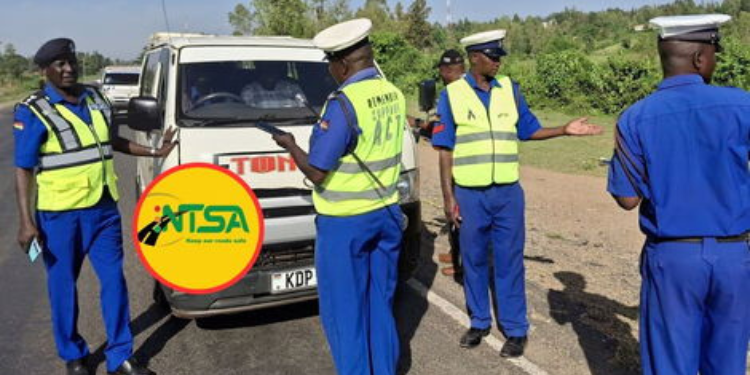
NTSA and Traffic Department during inspection exercise
PHOTO/NTSA