

How to Reset Your KRA iTax Password
Share

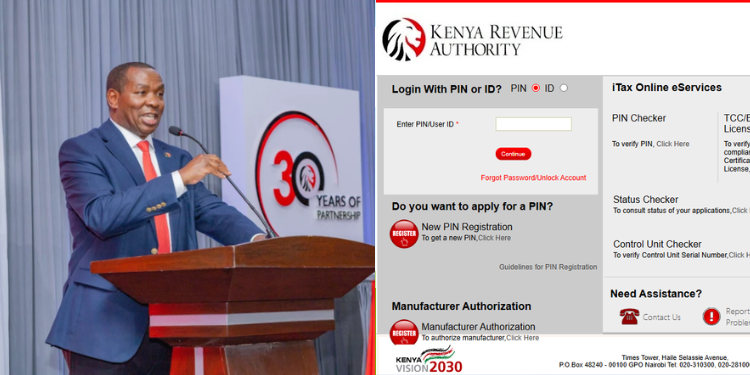
A KRA iTax password is required to access important tax services, including filing tax returns, checking compliance certificates, updating personal details, generating tax documents, and completing security verification processes on the platform.
However, many taxpayers often find themselves locked out of their accounts after forgetting their passwords, especially during the annual tax filing period when demand for iTax services is high.
If you can no longer access your account, the Kenya Revenue Authority (KRA) allows taxpayers to reset their iTax passwords through a straightforward process and regain access to their tax records and services within minutes.
Steps to Reset Your KRA iTax Password
Follow these steps to reset your iTax password:
- Visit the KRA iTax Portal
Go to the official iTax website at itax.kra.go.ke.
- Enter Your KRA PIN
On the homepage, enter your KRA PIN in the field labelled “Enter PIN or User ID.”
- Click Continue
After entering your PIN, click the “Continue” button to proceed.
- Select ‘Forgot Password or Unlock Account’
On the next page, click on the “Forgot Password or Unlock Account” option.
Also Read: KRA Issues Fresh Directives Ahead of Return Filing Deadline
- Complete the Security Verification
Perform the security stamp verification (CAPTCHA) and click “Submit.”
- Check Your Email
Once the request is successfully submitted, KRA will send a new password to the email address registered on your iTax account.
- Log In Using the New Password
Return to the iTax login page and sign in using your KRA PIN and the new password sent to your email.
How to Confirm Your Registered Email Address on iTax
If you are unsure which email address is linked to your iTax account, KRA allows you to check it through the portal.
Follow these steps:
- Visit the iTax homepage.
- Click on “Report Problem.”
- Enter your KRA PIN.
- Select the “Outside” option.
- Your registered email address will be displayed under the “Email” section.
This can help you confirm where the password reset email will be sent before initiating the process.
What to Do If You Cannot Reset Your KRA Password
Taxpayers who experience difficulties resetting their iTax passwords can seek assistance through KRA’s support channels, including the KRA Contact Centre, social media platforms, the nearest KRA Service Centre, or Huduma Centres offering KRA services.
For direct assistance, taxpayers can call +254 20 4 999 999 or +254 711 099 999, send an email to callcentre@kra.go.ke, or contact KRA via WhatsApp on 0711 099 999.
Follow our WhatsApp channel for instant news updates
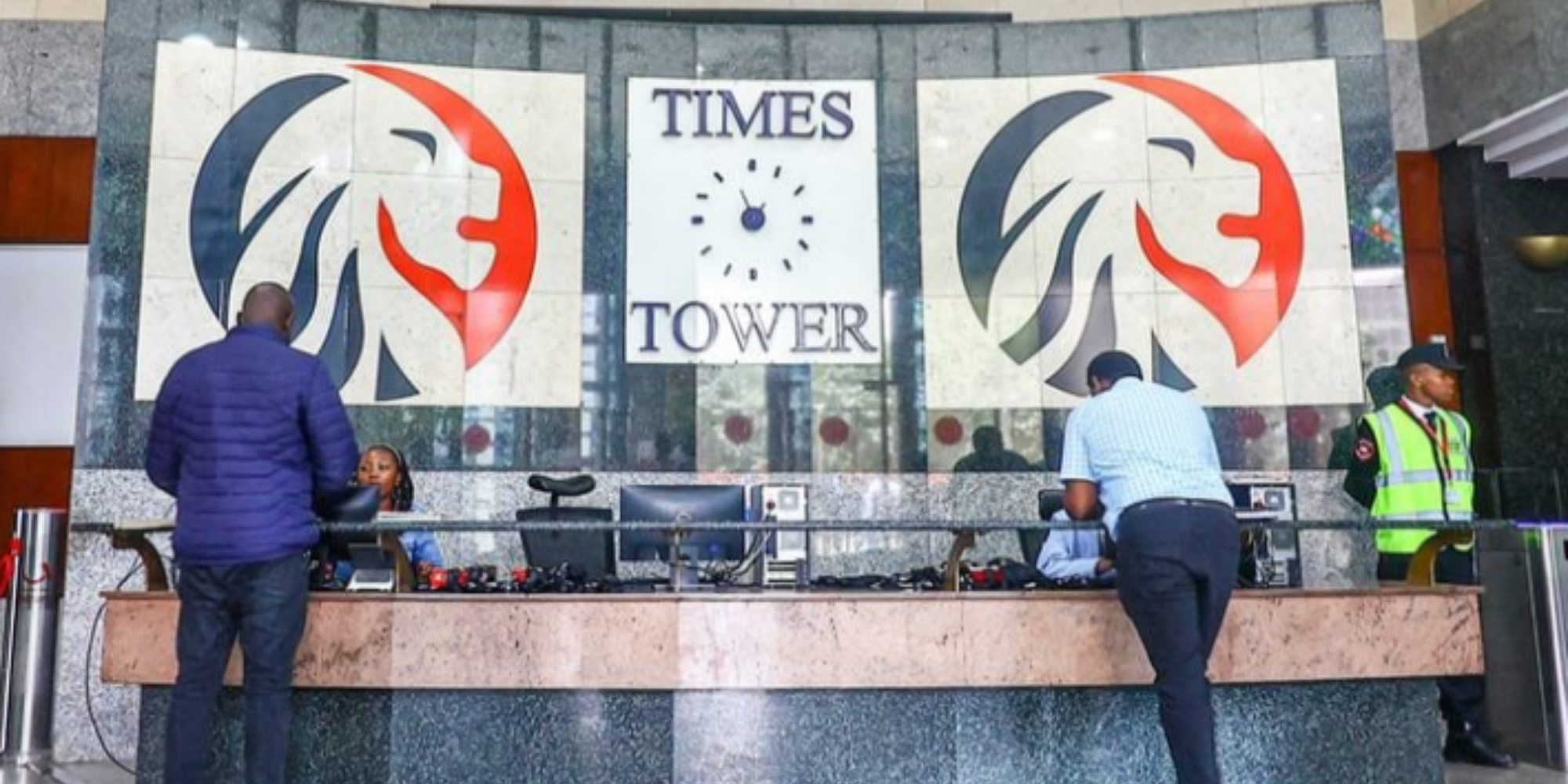
KRA Office Headquarters in Times Tower
PHOTO/KRA