How to Replace a Lost Business Registration Certificate
Share
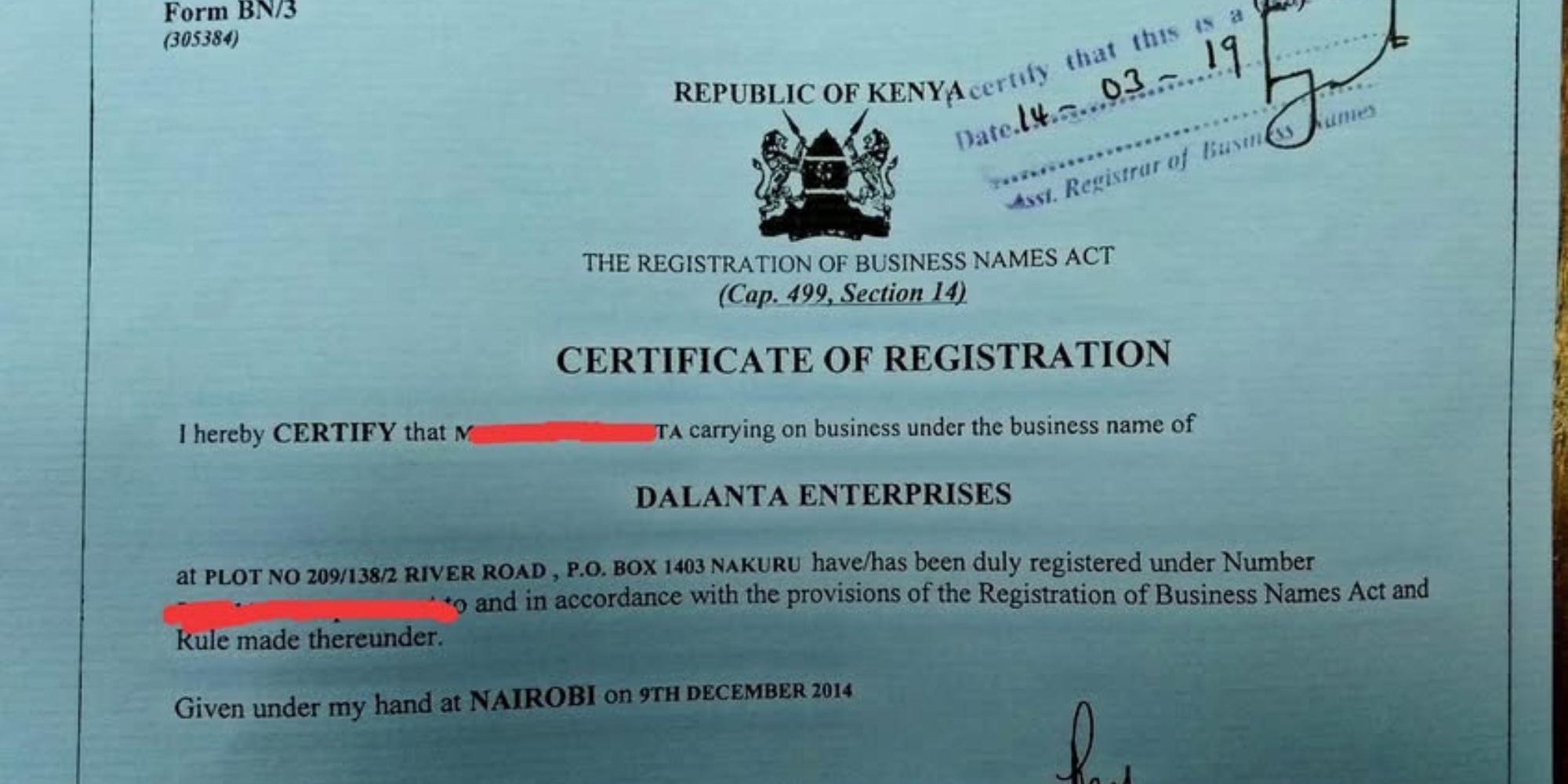
Kenyans who lose their business registration certificates risk facing delays in important transactions such as opening bank accounts, applying for tenders, or renewing business licenses.
However, the Business Registration Service (BRS) under the Office of the Attorney General has made the replacement process fully digital through the eCitizen platform, allowing business owners to retrieve or apply for certified copies within a few days.
Business Registration Certificate: How to Replace via eCitizen
To start the replacement process, one is required to log in to the eCitizen portal using their national identification card ID, email address, and mobile number.
Also Read: How to Pay Motor Vehicle Annual Road Licence Fees in Kenya
Once logged in, entrepreneurs navigate to the Business Registration Services (BRS) section on the dashboard, which handles all business-related services, including certificate downloads and replacement requests.
Within the BRS portal, applicants should click on “My Businesses” to view all companies registered under their ID details.
Meanwhile, each listing shows the business name, registration number, and certificate issuance date and the user can then select the specific business whose certificate they wish to replace.
Applying for a Replacement Certificate
During this stage, entrepreneurs are required to select the option “Request for Replacement of Certificate” or “Certified Copy of Records.”
Here, they will provide a brief explanation for the request, such as loss, theft, or damage of the original document.
However, in some cases, they may be required to attach an affidavit and a police abstract to support the application.
Payment and Processing
Once documents are submitted, applicants proceed to pay a replacement fee, usually around Ksh 500 on the eCitizen platform.
Also Read: How to Transfer Motor Vehicle Ownership in Kenya
Thereafter, a payment receipt is generated automatically, and the application is processed by the BRS within one to three working days.
Downloading the New Certificate
After approval, applicants receive an SMS or email notification to show that their certificate is ready for download.
It is downloaded in PDF format from the BRS portal.
Therefore, the new certificate retains the same business registration number and legal details, ensuring continuity and validity of records.
After downloading, business owners are advised to keep both digital and printed copies for future reference, as they can be used for all legal and commercial purposes.
Follow our WhatsApp channel for instant news updates

How to Replace a Lost Business Registration Certificate .Photo/ file