How to Register a Company on eCitizen Via BRS
Share
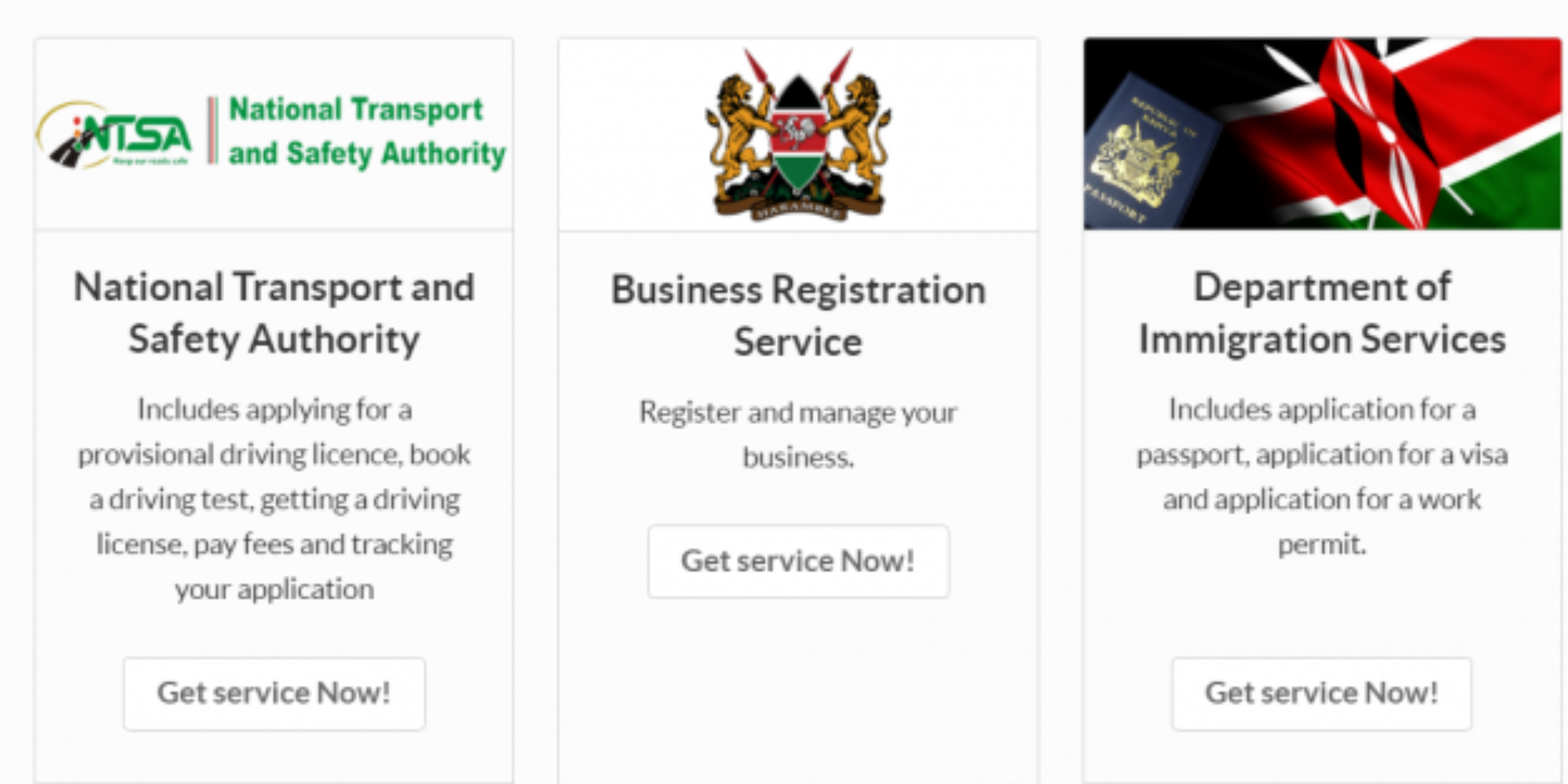
Registering a company in Kenya has become easier following the digitisation of services through the eCitizen platform.
Entrepreneurs can now complete the entire registration process online through the Business Registration Service (BRS) without visiting government offices.
Step-by-Step Company Registration Process
To start the registration process, applicants must first log in to their eCitizen account as new users create an account to access the website.
Once logged in, one should select the Business Registration Service (BRS) from the dashboard, click on “Make Application, “ and then choose the option for company registration.
Thereafter, an entrepreneur is required to conduct a company name search, where they will submit up to three preferred company names in order of preference.
During this process, the name search attracts a fee of Ksh 150, and the system automatically checks whether the proposed names are available.
Also Read: How to Track Cargo at Mombasa Port Online in Real Time
They are also required to provide details of all directors and shareholders, including their National Identification card, passport numbers, KRA PINs, residential addresses, and the percentage of shares held by each shareholder.
These documents help to speed up the registration process to avoid delays.
Declaration of Beneficial Ownership
In addition, an applicant is required to disclose beneficial owners of the business, individuals who directly or indirectly own or control more than 10 %of the company, to enhance transparency and accountability in the ownership.
Also Read: How to Apply for a KRA PIN for a Company in 2026
Following this step, the BRS system automatically generates the required registration documents, including Forms CR1, CR2, CR8, and the Beneficial Ownership Form, where applicants download, print, sign, and upload clear scanned copies to the portal before submitting the application.
After all the information has been entered and supporting documents uploaded, applicants are required to pay the Ksh 10,650 registration fee through M-Pesa, a credit or debit card.
Meanwhile, applications are reviewed within three to five working days, and upon approval, the Certificate of Incorporation and CR12 can be downloaded directly from the applicant’s eCitizen account.
Follow our WhatsApp channel for instant news updates.

Company Registration in BRS via eCitizen: Step-by-Step Guide. Photo/ file