BRS Puts Kenyans on Notice Over Fake ‘Free’ Business Registration Portal
Share
The Business Registration Service (BRS) has warned Kenyans against a fraudulent business registration portal circulating on social media and purporting to offer free registration services.
In a public notice dated August 20, BRS said it had neither authorised, endorsed nor partnered with the purported initiative.
“Members of the public are cautioned against fraudulent messages circulating on social media platforms, purporting to offer free business registration.BRS has not authorized, endorsed, or partnered in this purported registration initiative,” read part of the statement.
Kenyans Warned Against Fake BRS Business Registration Offer
The agency cautioned the public against clicking on the link, warning that users could risk exposing their personal or business information.
BRS also advised Kenyans not to make payments or provide any information through the purported registration platform.
It further clarified that legitimate business registration services are available through official government platforms. Members of the public seeking business registration services were directed to the eCitizen portal and the BRS official website.
Also Read: How to Apply for Bankruptcy Protection Through BRS
In addition, BRS said Kenyans should rely on these official channels when accessing business registration services or seeking information about the process.
The warning as fake messages continue to circulate through social media platforms, with scammers often using offers of free or discounted government services to lure unsuspecting members of the public.
How to Register a Company on eCitizen
To start the registration process, applicants must first log in to their eCitizen account as new users create an account to access the website.
Once logged in, one should select the Business Registration Service (BRS) from the dashboard, click on “Make Application, “ and then choose the option for company registration.
Thereafter, an entrepreneur is required to conduct a company name search, where they will submit up to three preferred company names in order of preference.
During this process, the name search attracts a fee of Ksh 150, and the system automatically checks whether the proposed names are available.
Also Read: How to Download Your Business Registration Certificate from eCitizen
They are also required to provide details of all directors and shareholders, including their National Identification card, passport numbers, KRA PINs, residential addresses, and the percentage of shares held by each shareholder, to speed up the registration process and avoid delays.
Declaration of Beneficial Ownership
An applicant is then required to disclose beneficial owners of the business, individuals who directly or indirectly own or control more than 10% of the company, to enhance transparency and accountability in the ownership.
Following this step, the BRS system automatically generates the required registration documents, including Forms CR1, CR2, CR8, and the Beneficial Ownership Form, where applicants download, print, sign, and upload clear scanned copies to the portal before submitting the application.
After all the information has been entered and supporting documents uploaded, applicants are required to pay the Ksh 10,650 registration fee through M-Pesa, a credit or debit card.
Meanwhile, applications are reviewed within three to five working days, and upon approval, the Certificate of Incorporation and CR12 can be downloaded directly from the applicant’s eCitizen account.
Follow our WhatsApp channel for instant news updates.

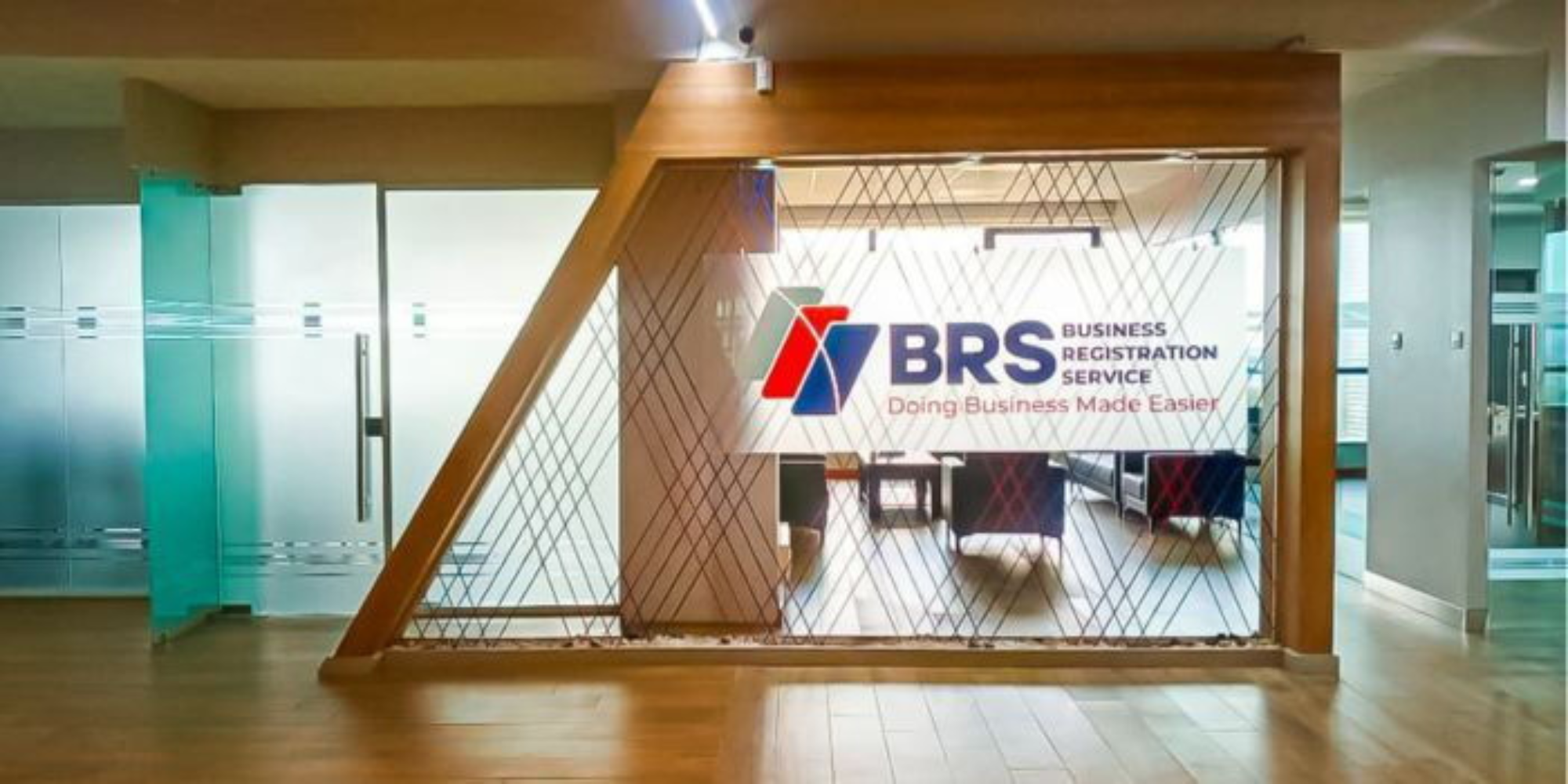
Company Registration in BRS via eCitizen: Step-by-Step Guide. Photo/FILE/