How to Check HELB Loan Status Using SMS, Portal, and Mobile App
Share

Thousands of university and Technical and Vocational Education and Training (TVET) students in Kenya depend on loans from the Higher Education Loans Board (HELB) to fund their studies.
With ongoing application, allocation, and disbursement processes under the Higher Education Financing (HEF) framework, many users are seeking fast and convenient ways to track their loans.
HELB has provided digital channels that ensure students can easily access its services.
Students can use these platforms to follow up on loan applications, monitor allocations, and track disbursements without visiting HELB offices.
These services include the HEF student portal, the HELB mobile app, and USSD self-service available at *642#.
The government has introduced these digital platforms to ensure higher education funding remains easily accessible to students through the student-centered scheme comprising grants and loans.
Loans Details at the Student Portal
Students who wish to access detailed information about their loan applications can visit the official HEF Student Portal.
Registered students can access various HELB services on the portal, including loan application status, allocations, and disbursement updates.
The student portal provides users with a range of services, from checking loan status to tracking application and disbursement processes.
The following steps need to be taken to check the status of your loan at the HEF portal:
- Visiting the official website called the HEF portal.
- Logging in using your national ID or e-mail account password.
- Check the dashboard or the loans section.
- Choosing the appropriate application and clicking “View more.”
Notifications Using the HELB Mobile App
The HELB mobile app is increasingly becoming one of the most efficient ways of accessing real-time information on financing details.
Through the app, students can track the status of their loans, receive alerts, access the M-PESA HELB Mini Wallet, and carry out other HELB-related services.
HELB recognizes the mobile app as one of its key self-service platforms for students and borrowers.
How to use the app:
- Download the HELB Mobile Application from the Google Play store.
- Log in/register using a phone number in your name.
- Set/create your PIN.
- Navigate to the dashboard to check the status of the loan, among others.
According to HELB’s guide to use the app, ongoing students will also be able to get notifications on awards and disbursements after a successful application and verification.
Also Read: How to Repay Your HELB Loan via M-Pesa, Mobile App, and Service Portal
USSD *642# Facilitates Faster Checking
Without an internet connection, students with a HELB account can use the USSD service to manage their accounts.
By dialing *642#, students can register, log in, apply for loans, make payments, and access other loan services through the USSD self-service platform.
HELB requires users to use M-Pesa numbers that are registered in their names.
The loan status check process includes:
- Dial *642#
- Choose either login or register.
- Input your information, including Name, ID number, and Date of Birth.
- Get yourself a unique PIN.
- Use the provided facility to choose loan service options for you to see loan statuses.
This self-service USSD facility has proven to be useful among continuing students who can use either USSD code or app for financing purposes according to HELB instructions.
Also Read: What Students Should Know About HELB Scholarships and Bursaries
Students Encouraged to Contact HELB for Help
Although the online facilities have made managing loans easier, some students at times face difficulties like delayed information, faulty online platforms, deferred loans, or even accessing their accounts.
HELB encourages such students to get help by contacting official HELB contacts.
The contact facility for HELB can be accessed through the telephone number 0711052000 or through e-mail at contactcentre@helb.co.ke.
Some HELB services can also be accessed from Huduma centers across the country.
Follow our WhatsApp channel for instant news updates
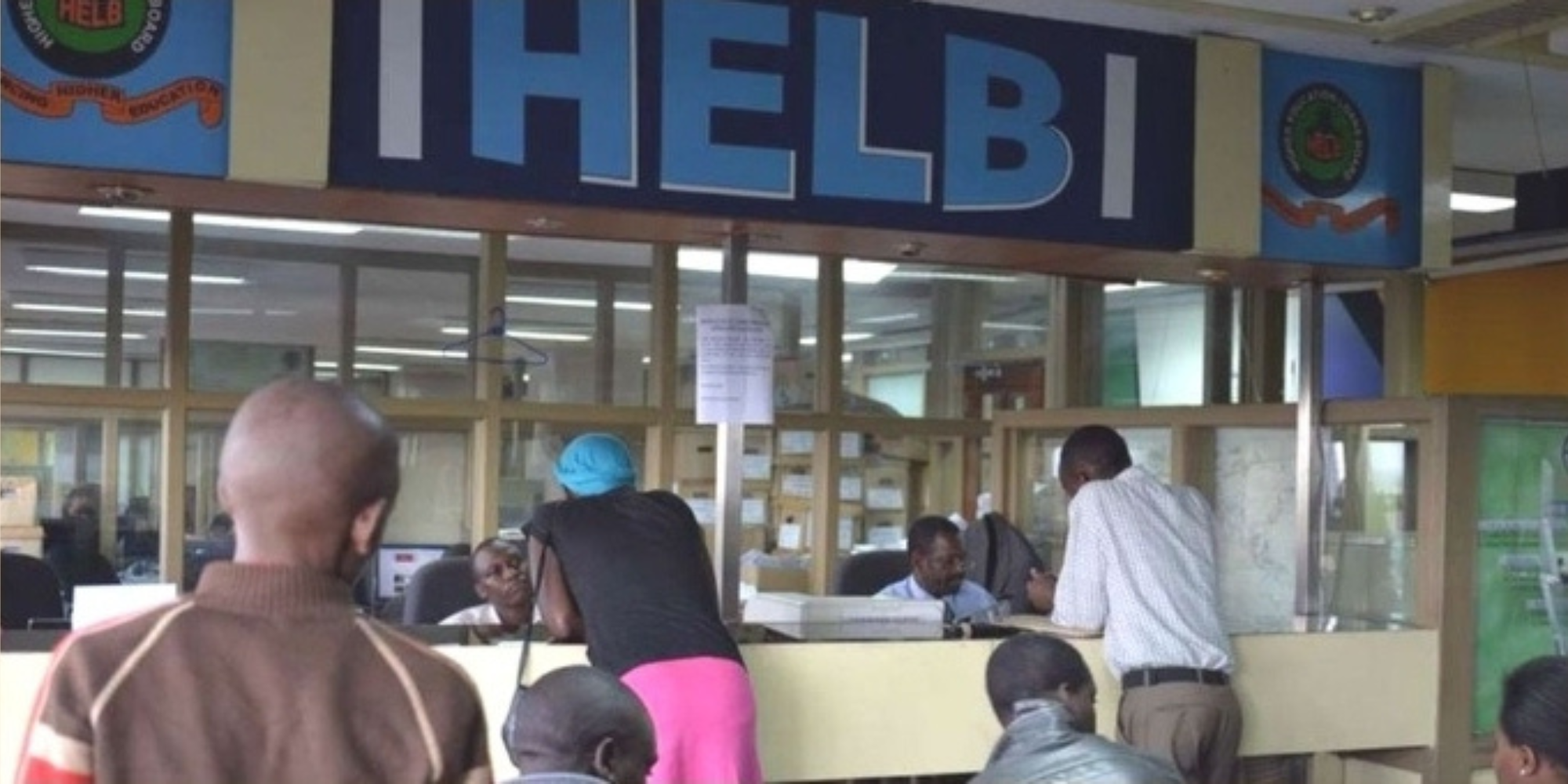
Students getting Services from HELB offices. PHOTO/ HELB