How to Verify a Motor Vehicle Using SMS and the NTSA Portal in Kenya
Share
Before buying a used vehicle in Kenya, verifying its ownership and registration details is one of the most important steps through NTSA
The National Transport and Safety Authority (NTSA) allows motorists to confirm vehicle information through its online portal, while other verification options are also available.
A vehicle search helps you:
- Confirm the registered owner
- Check whether the registration details match the seller’s information
- Verify the chassis and engine numbers
- Reduce the risk of buying a stolen, cloned, or fraudulently registered vehicle
- Confirm ownership before beginning a transfer process
Method 1: Verify Through the NTSA Service Portal
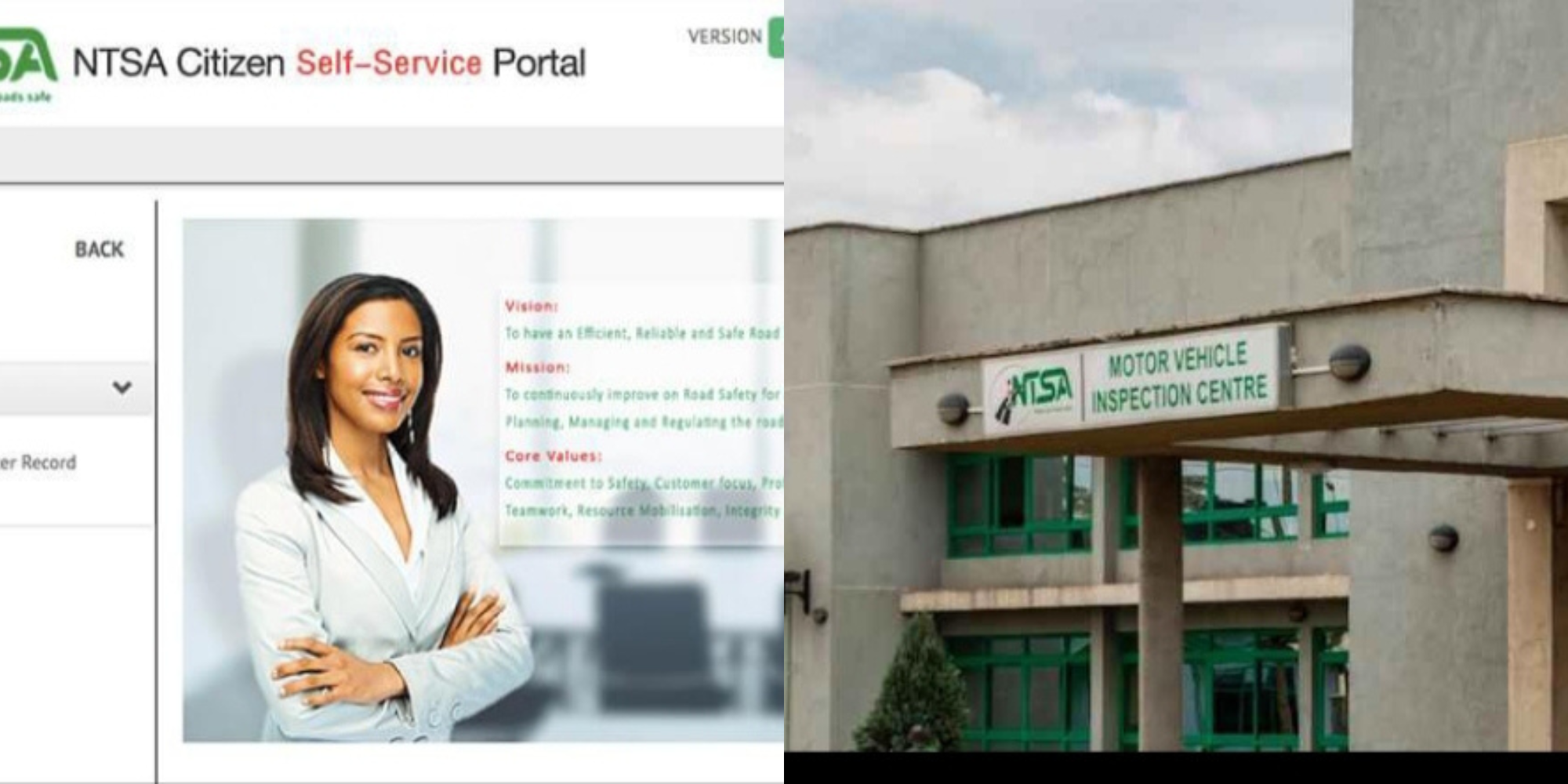
NTSA has migrated its services to the new Service Portal linked to eCitizen.
To verify a motor vehicle:
- Log in to your NTSA account using your eCitizen credentials through the official portal
- Navigate to the motor vehicle services section
- Select the relevant vehicle search or verification service
- Enter the vehicle registration number or chassis number as required
- Review the information returned by the system to ensure it matches the vehicle you intend to buy
NTSA also allows users to verify the authenticity of an electronic logbook by scanning its QR code or entering the verification token and chassis number on the Service Portal.
Also Read: How to Apply for a PSV Badge and License on NTSA TIMS
Method 2: Vehicle Verification by SMS
Previously, NTSA offered an SMS service that allowed users to send the vehicle registration number to receive ownership details.
However, NTSA has shifted most vehicle verification services to its online Service Portal and eCitizen platform.
The authority now encourages motorists to use the digital portal and the official NTSA mobile application for vehicle and eLogbook verification.
If you come across websites or individuals claiming to offer unofficial SMS verification services, NTSA advises caution and recommends using only its official platforms.
Also Read: NTSA Explains Why Instant Traffic Fines Cannot Be Paid on eCitizen
What Information Can You Confirm?
Depending on the service used, you may be able to verify:
- Vehicle registration number.
- Registered owner’s details.
- Chassis number.
- Engine number.
- Vehicle make and model.
- Logbook authenticity.
- Registration status.
Tips Before Buying a Used Vehicle
- Always inspect the original logbook or eLogbook
- Compare the chassis and engine numbers on the vehicle with those on the registration documents
- Confirm ownership through NTSA before making any payment
- Complete ownership transfer only through the official NTSA/eCitizen platform
- Avoid sharing your NTSA login credentials or personal information with brokers or third parties. NTSA warns that it never requests such information through social media, WhatsApp, or unofficial SMS.
Follow our WhatsApp channel for instant news updates
NTSA Vehicles
PHOTO/NTSA